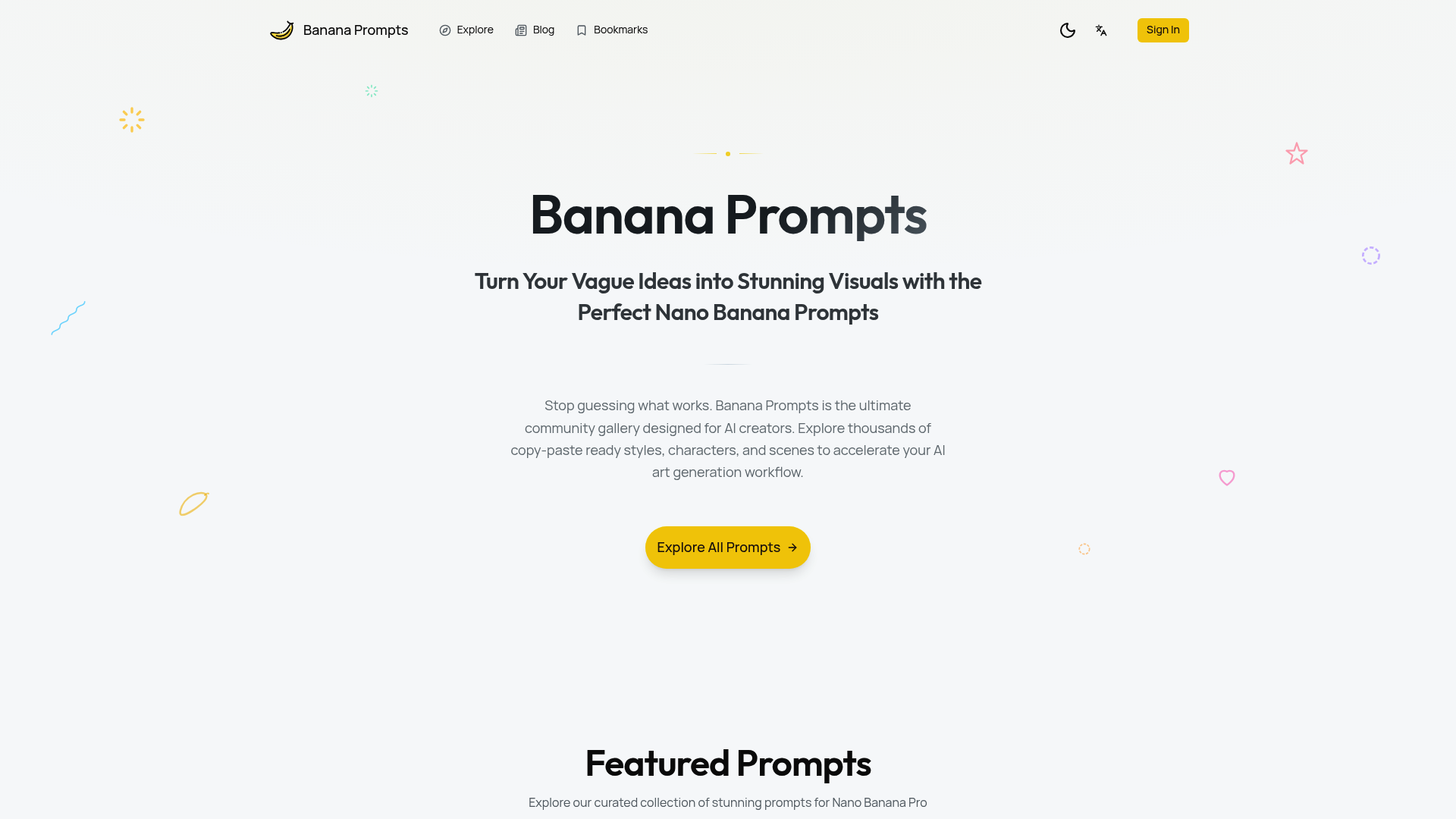
Banana Prompts

Unlock creativity with Banana Prompts. Explore a vast gallery of Nano Banana Prompts to turn vague ideas into stunning AI visuals effortlessly.

  Visit Website
Banana Prompts

Introduction

What is Banana Prompts

Banana Prompts is the ultimate community gallery designed specifically for AI creators who want to elevate their visual outputs. In the rapidly evolving world of artificial intelligence, crafting the perfect input is often the biggest hurdle. Banana Prompts acts as a bridge between your vague ideas and stunning, high-definition visuals by providing a curated collection of effective inputs tailored for models like Nano Banana Pro.

Whether you are a seasoned digital artist or a beginner exploring generative AI, Banana Prompts offers a comprehensive solution to the "blank canvas" problem. Instead of guessing which words will trigger the right aesthetic, users can browse thousands of copy-paste ready styles, characters, and scenes. By utilizing the resources available on Banana Prompts, creators can accelerate their workflow, ensuring that the generated images meet professional standards for lighting, composition, and texture.

Core features of Banana Prompts

The platform is packed with features designed to optimize the experience of generating AI art. The primary strength of Banana Prompts lies in its diversity and technical depth.

  • Extensive Prompt Library: The core of the platform is its massive database. Banana Prompts hosts categories ranging from "Retro 8-bit GAME OVER Glitch" art to "Hyper-Real Blue-Eyed Portrait" photography. This variety ensures that no matter the genre—be it anime, architectural design, or fantasy—you will find a relevant starting point.
  • Technical Precision: Unlike basic text inputs, many entries in Banana Prompts include advanced technical parameters. You can find JSON-formatted inputs that specify camera settings (e.g., Phase One IQ4, 85mm lens, f/1.8 aperture) and lighting setups (e.g., softbox, butterfly shadow). This allows Banana Prompts to guide the AI toward photorealistic results.
  • Style & Mood Curation: Banana Prompts excels at defining specific visual styles. Users can filter for "Whimsical Tea Party Fantasy" for a storybook illustration style or "Sculptural B&W Profile Fashion" for avant-garde aesthetics.
  • Developer Resources: For those integrating AI into apps, Banana Prompts offers resources related to Gemini 3 Pro Image for Developers, helping technical users implement advanced image generation capabilities programmatically.

Use cases of Banana Prompts

Banana Prompts serves a wide array of professionals and hobbyists looking to streamline their creative process.

  • Graphic Designers and Illustrators: A designer tasked with creating a retro arcade logo can use Banana Prompts to find the specific syntax for "8-bit arcade font" with a glitch effect. By using a verified prompt, they save hours of trial and error, instantly generating a high-quality base image to refine further.
  • Photographers and Visualizers: Professionals wanting to simulate studio setups can use Banana Prompts to test lighting concepts. For example, using a prompt for a "Hyper-Realistic Studio Portrait" helps visualize how a specific lens and softbox setup might look before booking a physical studio.
  • Content Creators: Social media managers need consistent visuals. By using Banana Prompts to generate a "Neon Late Night Brick Sign" or a "Late-Night Ramen Cat Diorama," they can create engaging, thematic content that stands out in a feed, maintaining a high level of visual consistency across posts.

How to use Banana Prompts

Getting started with Banana Prompts is straightforward, designed to get you from search to generation in seconds.

  1. Explore the Gallery: Visit the website and browse the featured sections. You can look for specific themes like "Featured Prompts" or browse by categories such as photography or 3D art.
  2. Select a Style: Click on an image that matches your vision. For instance, if you want a detailed fantasy scene, select a result like the "Whimsical Tea Party."
  3. Copy the Data: Banana Prompts provides the exact text or JSON code used to create that image. Simply copy this data.
  4. Generate: Paste the text into your AI generator (such as Nano Banana Pro). You can use the prompt exactly as is, or modify specific variables (like changing the subject from a "rabbit" to a "fox") while keeping the style parameters provided by Banana Prompts intact.

Advantages of Banana Prompts

Why should creators choose Banana Prompts over writing inputs from scratch? The advantages are clear in terms of quality and efficiency.

  • Eliminates Guesswork: The biggest advantage is reliability. Every entry in Banana Prompts is a proven input that yields high-quality results. You don't have to wonder if the AI understands "cinematic lighting"—the prompt is already optimized for it.
  • Educational Value: Banana Prompts is not just a repository; it is a learning tool. By analyzing how a "Sculptural B&W Profile" is constructed using terms like "Phase One IQ4" and "high drama contrast," users learn the vocabulary required to control AI models effectively.
  • High-Quality Output: The platform focuses on prompts that generate high-resolution, 8K, and detailed images. Banana Prompts ensures that users avoid common pitfalls like low-quality textures or bad anatomy by providing negative prompt examples and high-fidelity positive descriptions.
  • Community Driven: As a community gallery, Banana Prompts evolves with the technology, constantly updating with new techniques and styles that work best with the latest model versions like Nano Banana Pro.

Pricing structure of Banana Prompts

Banana Prompts is primarily positioned as a community resource and gallery.

  • Free Access: Typically, browsing the gallery and copying text from Banana Prompts is free for users. This allows the community to grow and share knowledge without a barrier to entry.
  • Ecosystem Integration: While the gallery itself is accessible, it is designed to work best with specific AI models like Nano Banana Pro. Users may need a subscription or credits for the underlying AI generation tool to fully utilize the complex JSON prompts found on Banana Prompts.
  • Developer Resources: Access to advanced documentation or developer-specific integration guides (like Gemini 3 Pro Image resources) is also available, providing value for technical users looking to build upon the Banana Prompts framework.

FAQs about Banana Prompts

What is Banana Prompts used for? Banana Prompts is used to find, share, and optimize text inputs for AI image generation. It helps users create specific styles, from photorealistic portraits to stylized 3D dioramas, without starting from scratch.

Is Banana Prompts free to use? Yes, the Banana Prompts gallery is generally free to explore. Users can copy the prompt styles and descriptions to use in their preferred AI generation tools.

What makes Banana Prompts results better? The prompts on Banana Prompts are curated and often include detailed technical parameters—such as camera lens specifications, lighting types, and negative prompts—which significantly improve the quality and accuracy of the generated images.

Can I use Banana Prompts for commercial projects? Yes, you can use the inputs found on Banana Prompts to generate images for commercial use, provided the AI model you are using (e.g., Nano Banana Pro) allows for commercial rights on the generated outputs.

How do I optimize Banana Prompts for specific art styles? You can browse Banana Prompts by category or look for keywords within the prompt text (like "8-bit," "isometric," or "cinematic") to find the exact aesthetic you need.

What is the difference between Text-to-Image and Image-to-Image in Banana Prompts? Banana Prompts supports both. Text-to-Image creates visuals from description alone, while Image-to-Image prompts often include JSON data regarding "identity_preservation" or reference images to maintain character consistency.