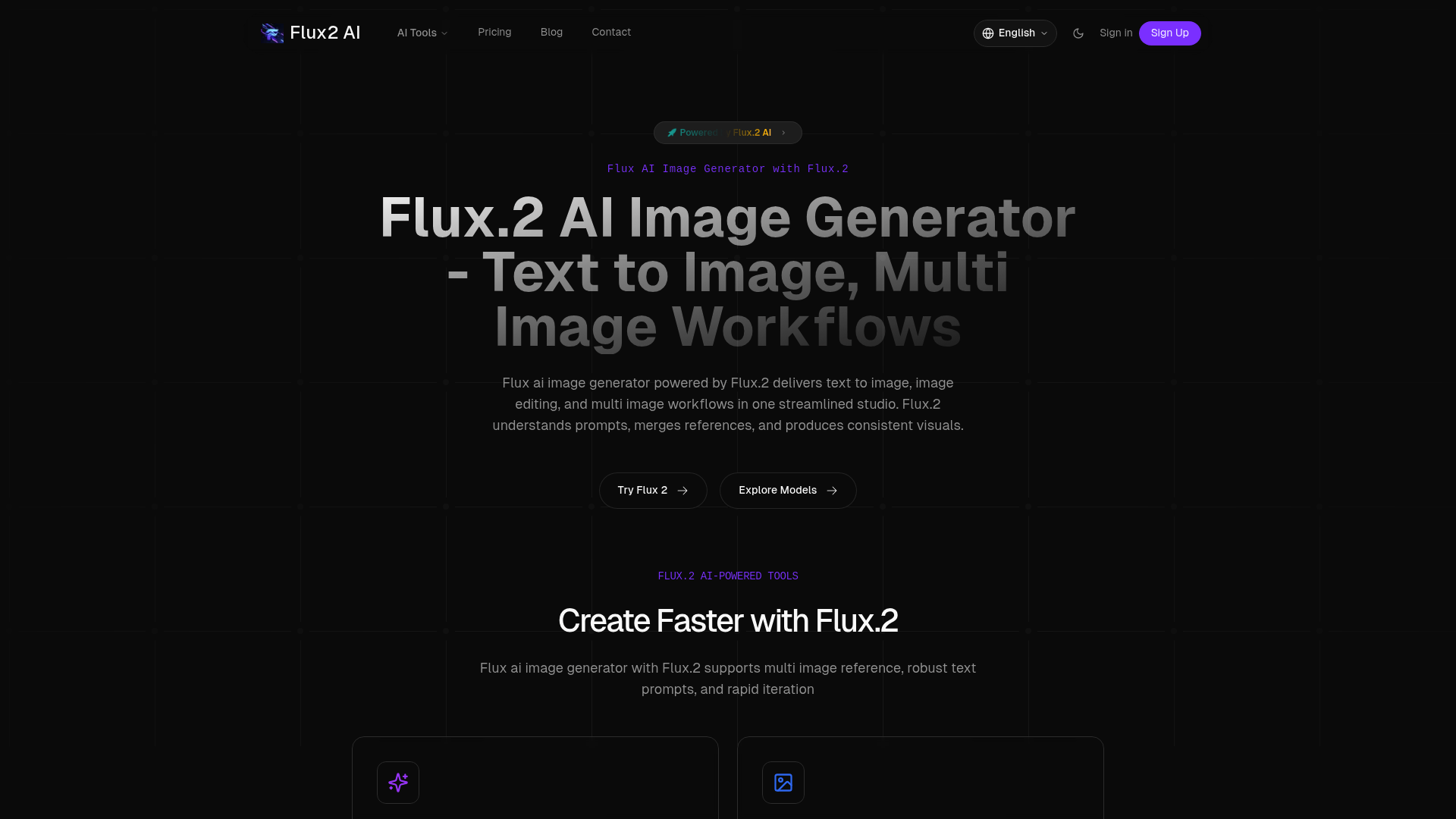
Flux2 AI: Advanced AI Image Generator

Flux2 AI is a powerful AI image generator offering text-to-image creation, professional editing tools, and multi-image workflows. Transform your visual content with Flux.2 technology today.

  Visit Website
Flux2 AI: Advanced AI Image Generator

Introduction

What is flux2 ai

Flux2 AI is a comprehensive AI-powered image generation and editing platform built on the advanced Flux.2 technology. This innovative tool enables users to create stunning visuals from text prompts, edit existing images with professional-grade precision, and execute complex multi-image workflows seamlessly. Flux2 AI stands out in the artificial intelligence imaging space by combining robust text understanding, intelligent reference merging, and consistent visual output in one streamlined studio environment.

The platform addresses a critical challenge faced by designers, marketers, and content creators: the need for high-quality visual content without extensive technical skills or time-consuming manual editing. Whether you're transforming simple text descriptions into detailed images or applying sophisticated edits to existing photos, flux2 ai delivers professional results in seconds rather than hours. The flux2 ai ecosystem is designed for both beginners seeking intuitive tools and professionals requiring advanced control over their creative output.

Core features of flux2 ai

Flux2 AI offers an extensive suite of features that make it a versatile solution for diverse image creation and editing needs. The text-to-image generation capability of flux2 ai allows users to describe their vision in natural language and watch as the AI transforms words into detailed, high-quality visuals. This feature supports complex prompts and understands context, ensuring that generated images accurately reflect user intentions.

The image-to-image AI functionality within flux2 ai enables users to create multiple variations and styles from a single source image, perfect for exploring different creative directions or maintaining visual consistency across a project. The platform's multi-image reference system allows flux2 ai to merge multiple visual references intelligently, producing cohesive results that incorporate elements from various sources.

Professional editing tools form another cornerstone of flux2 ai capabilities. The background remover instantly isolates subjects with precision, while the AI-powered background changer can replace or modify backgrounds to suit any context. The flux2 ai image upscaler enhances resolution without quality loss, making it ideal for preparing images for print or high-resolution displays. Object removal tools eliminate unwanted elements seamlessly, and the image enhancer automatically improves quality and details.

Beyond basic editing, flux2 ai provides creative effects that transform ordinary photos into artistic masterpieces. Users can convert images into Studio Ghibli-inspired anime art, Pixar-style 3D animated characters, or apply age regression filters and hairstyle changes. The flux2 ai platform also generates professional headshots suitable for business profiles and enhances photo realism through AI-powered improvements to lighting, texture, and details.

Use cases of flux2 ai

Flux2 AI serves a wide range of professionals and creative individuals across multiple industries. Graphic designers leverage flux2 ai to rapidly prototype visual concepts, create consistent brand imagery, and experiment with different artistic styles without spending hours in traditional design software. A freelance illustrator, for example, might use flux2 ai to generate initial concept sketches from client descriptions, then refine specific elements using the platform's precision editing tools to deliver unique, polished artwork faster than conventional methods allow.

E-commerce businesses find flux2 ai invaluable for product photography enhancement. Online retailers can remove distracting backgrounds from product photos, upscale images for better detail visibility, or generate lifestyle imagery showing products in various contexts without costly photoshoots. A small business owner selling handmade jewelry could use flux2 ai to create professional product images with clean white backgrounds and enhanced clarity, improving conversion rates on their online store.

Social media managers and content creators utilize flux2 ai to maintain visual consistency across platforms while producing high volumes of engaging content. A marketing team might use flux2 ai to generate branded graphics matching specific style guidelines, create eye-catching thumbnails for video content, or transform team photos into cohesive professional headshots for company websites. The platform's ability to apply consistent artistic effects makes it particularly useful for creators building recognizable visual identities.

Photographers and digital artists employ flux2 ai for post-processing workflows, using its intelligent enhancement tools to elevate image quality and its creative effects to explore new artistic directions. Wedding photographers can use flux2 ai to quickly remove unwanted objects from otherwise perfect shots, while digital artists might experiment with style transfer features to develop unique visual signatures for their portfolios.

How to use flux2 ai

Getting started with flux2 ai is straightforward, designed to accommodate users regardless of their technical expertise. Begin by visiting the flux2 ai platform where you'll find an intuitive interface welcoming both new and experienced users. New users receive 30 credits upon signing up, equivalent to two professional edits at no cost and requiring no credit card information.

To create an image from text using flux2 ai, navigate to the text-to-image generator and enter your description in the prompt field. The flux2 ai system understands natural language, so you can describe your desired image conversationally. For example, typing "a serene mountain landscape at sunset with golden light" will prompt flux2 ai to generate a corresponding visual. You can refine results by adjusting parameters or running multiple iterations until achieving your desired outcome.

For image editing tasks, upload your photo to the flux2 ai platform and select the appropriate tool based on your needs. If removing a background, simply click the background remover tool and flux2 ai will automatically detect and isolate your subject. To upscale an image, select the image upscaler and choose your desired resolution—flux2 ai handles the technical complexity behind the scenes. When using advanced features like style transfer or creative effects, flux2 ai provides preview options so you can review results before finalizing.

The multi-image workflow feature of flux2 ai allows you to upload multiple reference images that the AI will intelligently merge according to your specifications. This is particularly useful when you want to combine elements from different sources into a cohesive final image. After processing, flux2 ai provides download options in various formats to suit your project requirements.

For users seeking deeper control, flux2 ai offers advanced parameters where you can fine-tune aspects like intensity, smoothness, and blend modes. The platform includes helpful tooltips and real-time previews to guide you through these options, ensuring you achieve professional results even when experimenting with complex features.

Advantages of flux2 ai

Flux2 AI distinguishes itself from competing image generation and editing platforms through several compelling advantages. The processing speed of flux2 ai is exceptional—operations that traditionally require hours in conventional photo editing software complete in 30 seconds or less. This efficiency doesn't compromise quality; rather, flux2 ai leverages optimized AI models to deliver both speed and professional-grade results, making it ideal for users managing tight deadlines or high-volume content production.

The quality and accuracy of flux2 ai outputs set a high standard in the AI imaging field. Unlike some AI tools that produce inconsistent or unpredictable results, flux2 ai employs deep learning models trained on millions of images, enabling intelligent understanding of image context and precise execution of user commands. The platform's smart object detection automatically identifies and selects specific elements with impressive accuracy, while natural language processing ensures that text prompts generate visuals closely aligned with user intentions.

User experience represents another significant advantage of flux2 ai. The platform requires no Photoshop skills or technical expertise—users simply describe what they need in plain language, and flux2 ai translates those instructions into professional edits. This accessibility democratizes high-quality image work, enabling small business owners, marketers, and creators without design backgrounds to produce visuals previously requiring professional designers.

Flux2 AI offers exceptional versatility by consolidating multiple capabilities in one platform. Rather than subscribing to separate services for image generation, background removal, upscaling, and creative effects, users access all these functions through flux2 ai. This all-in-one approach streamlines workflows and reduces costs associated with maintaining multiple tool subscriptions.

Privacy and security receive top priority in flux2 ai infrastructure. The platform employs bank-level encryption to protect every upload and guarantees that user images are never used for AI training or any other purpose. This commitment to privacy makes flux2 ai suitable for sensitive commercial work where confidentiality matters.

The global accessibility of flux2 ai ensures reliable performance regardless of user location. High-speed servers distributed worldwide enable instant processing, while 24/7 multilingual support assists users whenever they encounter questions or challenges. This infrastructure reliability means flux2 ai users can depend on consistent availability for time-sensitive projects.

Pricing structure of flux2 ai

Flux2 AI employs a freemium pricing model designed to accommodate various user needs and budgets. New users can explore flux2 ai capabilities risk-free with 30 complimentary credits upon registration, sufficient for two professional edits without requiring credit card information. This trial period allows potential customers to evaluate whether flux2 ai meets their requirements before committing financially.

For ongoing use, flux2 ai operates on a credit-based system where users purchase credits that can be applied to any of the platform's tools and features. Different operations consume varying amounts of credits based on their computational complexity—simple tasks like background removal typically cost fewer credits than advanced operations like high-resolution upscaling or complex style transfers. This flexible structure ensures users only pay for the specific capabilities they utilize.

Flux2 ai offers subscription plans for regular users, providing better value through monthly or annual commitments. Subscribers receive larger credit allocations at reduced per-credit costs compared to pay-as-you-go options. These subscription tiers cater to different usage levels, from individual creators requiring moderate monthly capacity to professional teams processing high volumes of images regularly.

Enterprise and team solutions are available through flux2 ai for organizations with specialized requirements. These customized plans may include dedicated support, API access for workflow integration, enhanced processing priority, and bulk credit packages at preferential rates. Businesses can contact flux2 ai directly to discuss tailored pricing structures aligned with their specific operational needs.

The pricing transparency of flux2 ai ensures users understand costs before processing. The platform displays credit requirements for each operation clearly, allowing informed decisions about which tools to use. Additionally, unused credits typically do not expire within subscription periods, providing flexibility for users with variable workloads.

FAQs about flux2 ai

What is flux2 ai used for?

Flux2 ai is used for creating images from text descriptions, editing existing photos with professional tools, and executing complex visual workflows. Users apply flux2 ai for tasks including background removal, image upscaling, style transfer, object removal, and generating creative effects. The platform serves designers, marketers, e-commerce businesses, content creators, and anyone needing high-quality visual content quickly.

Is flux2 ai free to use?

Flux2 ai offers a freemium model where new users receive 30 free credits equivalent to two professional edits without credit card requirements. Continued use requires purchasing credits or subscribing to a plan. The free trial allows users to test flux2 ai capabilities before deciding on paid options that provide better value for regular usage.

What makes flux2 ai results better than other tools?

Flux2 ai delivers superior results through advanced deep learning models trained on millions of images, enabling accurate context understanding and intelligent processing. The platform combines speed with quality—professional edits complete in 30 seconds while maintaining high standards. Smart object detection, natural language understanding, and real-time previews ensure flux2 ai produces consistent, reliable outputs that closely match user intentions.

Are there any usage limits with flux2 ai?

Usage limits in flux2 ai depend on your credit balance or subscription tier. Each operation consumes credits based on computational complexity. Free trial users have 30 credits, while paid plans provide larger allocations. Enterprise users can negotiate custom limits. The platform implements these limits to ensure fair resource distribution and maintain processing speed for all users.

Can I use flux2 ai for commercial projects?

Yes, images created or edited with flux2 ai can be used for commercial purposes. Users retain full rights to their outputs, making flux2 ai suitable for client work, product photography, marketing materials, and other business applications. The platform's privacy guarantees ensure your commercial projects remain confidential.

Does flux2 ai require technical skills?

No, flux2 ai is designed for users of all skill levels and requires no technical expertise or Photoshop experience. Natural language commands allow you to describe desired edits in plain English, and the AI handles technical complexity automatically. The intuitive interface guides users through processes with helpful tooltips and real-time previews, making professional image work accessible to everyone.