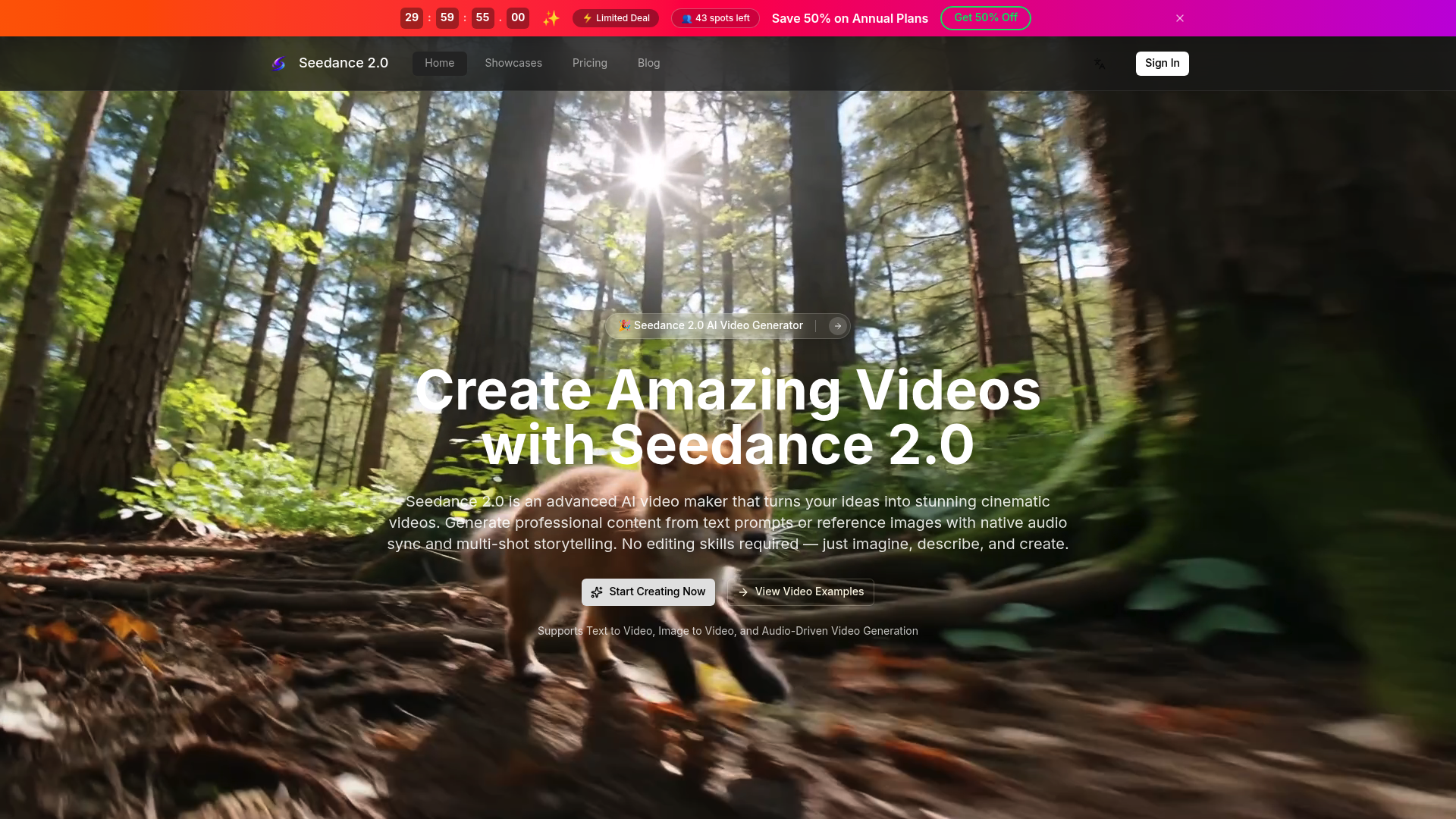
What is seedance2 ai
seedance2 ai is a powerful AI video generator engineered to turn creative concepts into production‑ready cinematic footage. Unlike traditional editing software that demands hours of manual work, seedance2 interprets text prompts, reference images, or audio files and synthesizes them into fluid, physics‑aware videos. It bridges the gap between imagination and final output by automating complex tasks like motion synthesis, scene transitions, and character consistency. Whether you are a solo content creator or part of a marketing team, seedance2 eliminates technical barriers and lets you focus on storytelling. With its native multi‑shot storytelling and audio‑driven generation, seedance2 sets a new standard for accessible, professional‑grade video creation.
Core features of seedance2 ai
seedance2 ai packs a comprehensive suite of features designed to handle every stage of video production:
- Three‑in‑one input modes: Generate videos from text descriptions, static images, or audio tracks. seedance2 seamlessly converts any of these sources into engaging visual narratives.
- Multi‑shot storytelling with character lock: Maintain facial features, clothing, and body types across different angles and scenes. seedance2 ensures your protagonist stays recognisable from start to finish.
- Physics‑aware motion synthesis: From subtle facial expressions to full‑body action, seedance2 produces stable, jitter‑free frames that look natural and coherent.
- Flexible output settings: Choose durations of 3, 5, 10, or 15 seconds; select aspect ratios (16:9, 9:16, 4:3); and toggle between Standard mode for fast drafts or Pro mode for crisp 2K resolution.
- Native audio sync: Align generated visuals precisely with uploaded or described audio, removing the need for separate post‑production sound editing.
- Watermark‑free export: Download finished MP4 files without any branding, ready for immediate use in ads, social media, or client presentations.
Every feature in seedance2 is built with real‑world workflows in mind, helping users iterate quickly without compromising on quality.
Use cases of seedance2 ai
seedance2 ai adapts to a wide spectrum of creative and commercial needs:
- Social media content creators like Victoria Harrison use seedance2 to turn rough ideas into polished clips with native audio sync, slashing post‑production time and keeping followers engaged with consistent visual styles.
- E‑commerce teams rely on seedance2 to transform product photos into narrative‑driven video ads. Alexander Mitchell, an e‑commerce manager, reported that seedance2 cut his team’s content production time by half while maintaining the motion quality required for paid social campaigns.
- Digital marketing agencies craft branded campaign series with seedance2. Multi‑shot storytelling keeps characters and products consistent across ad cuts, a challenge that previously made AI video impractical for series work.
- Educational content creators visualise abstract concepts clearly. Thomas Anderson now uses seedance2 to produce cinematic lesson visuals that boost student engagement, all without touching complex animation software.
- Motion designers like Clara Bennett have integrated seedance2 into their pipelines for rapid ideation and client drafts, praising its physics‑aware motion that rivals manually animated sequences.
From solo freelancers to enterprise teams, seedance2 serves anyone who needs fast, high‑quality video output without a steep learning curve.
How to use seedance2 ai
Getting started with seedance2 takes only a few minutes:
- Visit the seedance2 platform and sign in to your account.
- Choose your input source: type a detailed text prompt, upload one or more reference images, or add an audio file to drive the video.
- Configure your video parameters: select duration (3s, 5s, 10s, or 15s), aspect ratio, and mode (Standard for speed, Pro for 2K resolution). Decide whether to include the native‑synced sound.
- Preview and generate: review the estimated credit cost (75 credits per video) and click the generation button. seedance2 processes your request and delivers a preview within moments.
- Export and use: download the watermark‑free MP4 file, ready for publishing or further editing.
For users who want more control, seedance2 offers additional parameters like start/end frame definition and detailed style descriptions. The platform also provides a gallery of video examples to spark inspiration—ideal for those new to AI video creation.
Advantages of seedance2 ai
seedance2 distinguishes itself from other AI video tools through several key strengths:
- Superior motion quality: The underlying model synthesises large‑scale movement while keeping physics believable. Facial expressions, body mechanics, and object interactions all behave naturally—no jittery artifacts or unnatural poses.
- True character consistency: seedance2 locks identity across multiple shots, a feature rarely executed reliably in competing tools. This makes it viable for narrative storytelling, branded content, and any scenario where a character must remain recognisable.
- Integrated audio‑driven workflow: While many tools treat video and audio as separate afterthoughts, seedance2 bakes native sound sync into the generation process, saving hours of manual alignment.
- Zero flickering technology: Frame‑to‑frame coherence is a notorious pain point in AI video. seedance2 eliminates flickering, delivering stable output that looks professional straight out of the tool.
- No editing skills required: The entire process is prompt‑based and visual. Users describe what they want, and seedance2 builds it—democratising video production for non‑designers and seasoned pros alike.
- Backed by an active ecosystem: From example showcases to a growing community of creators, seedance2 users benefit from shared prompts, tips, and continuous platform improvements.
These advantages make seedance2 not just another AI generator, but a practical production tool trusted by thousands of professionals worldwide.
Pricing structure of seedance2 ai
seedance2 operates on a freemium model that accommodates both casual explorers and high‑volume producers.
- Free tier: New users receive a limited amount of credits upon signing in, allowing them to test the platform’s capabilities without immediate commitment. This is ideal for experimenting with different prompts and settings.
- Annual subscription: The most popular plan offers 50% savings over monthly billing. Subscribers gain access to higher generation quotas, Pro mode for 2K resolution, and priority processing during peak times.
- Credit system: Each video generation consumes credits based on duration, mode, and resolution. A typical 5‑second video in Standard mode with sound and 16:9 aspect ratio costs 75 credits. Remaining balance is clearly displayed in the dashboard.
- Commercial usage: All videos generated with seedance2, including those from the free tier, can be used for commercial projects. There are no hidden royalties or additional licensing fees.
seedance2 does not offer a pay‑per‑video option without an account; users must sign in to generate content. This ensures each creation is linked to a profile for easy management and export history.
FAQs about seedance2 ai
What is seedance2 ai used for?
seedance2 ai is used to generate cinematic‑quality videos from text, images, or audio. It serves content creators, marketers, educators, and designers who need fast, professional video output without traditional editing.
Is seedance2 ai free to use?
Yes, seedance2 offers a free tier with initial credits. For extended usage and higher resolutions like 2K Pro mode, an annual subscription provides the best value with 50% savings.
What makes seedance2 results better than other AI video tools?
seedance2 excels in physics‑aware motion, character consistency across shots, and native audio sync. It eliminates flickering and jitter, producing stable frames that look production‑ready immediately.
Are there any usage limits?
Free accounts have a limited credit balance. Subscribers enjoy higher monthly quotas and can generate longer videos (up to 15 seconds) in Pro mode. All plans display remaining credits clearly.
Can I use seedance2 videos for commercial projects?
Absolutely. All videos created with seedance2 are royalty‑free and can be used in advertisements, social media campaigns, client work, and any commercial context without additional fees.
Does seedance2 require technical skills?
No. seedance2 is designed for users of all skill levels. You only need to describe your idea, upload a reference, or provide audio—the AI handles the rest. Advanced settings are available but entirely optional.