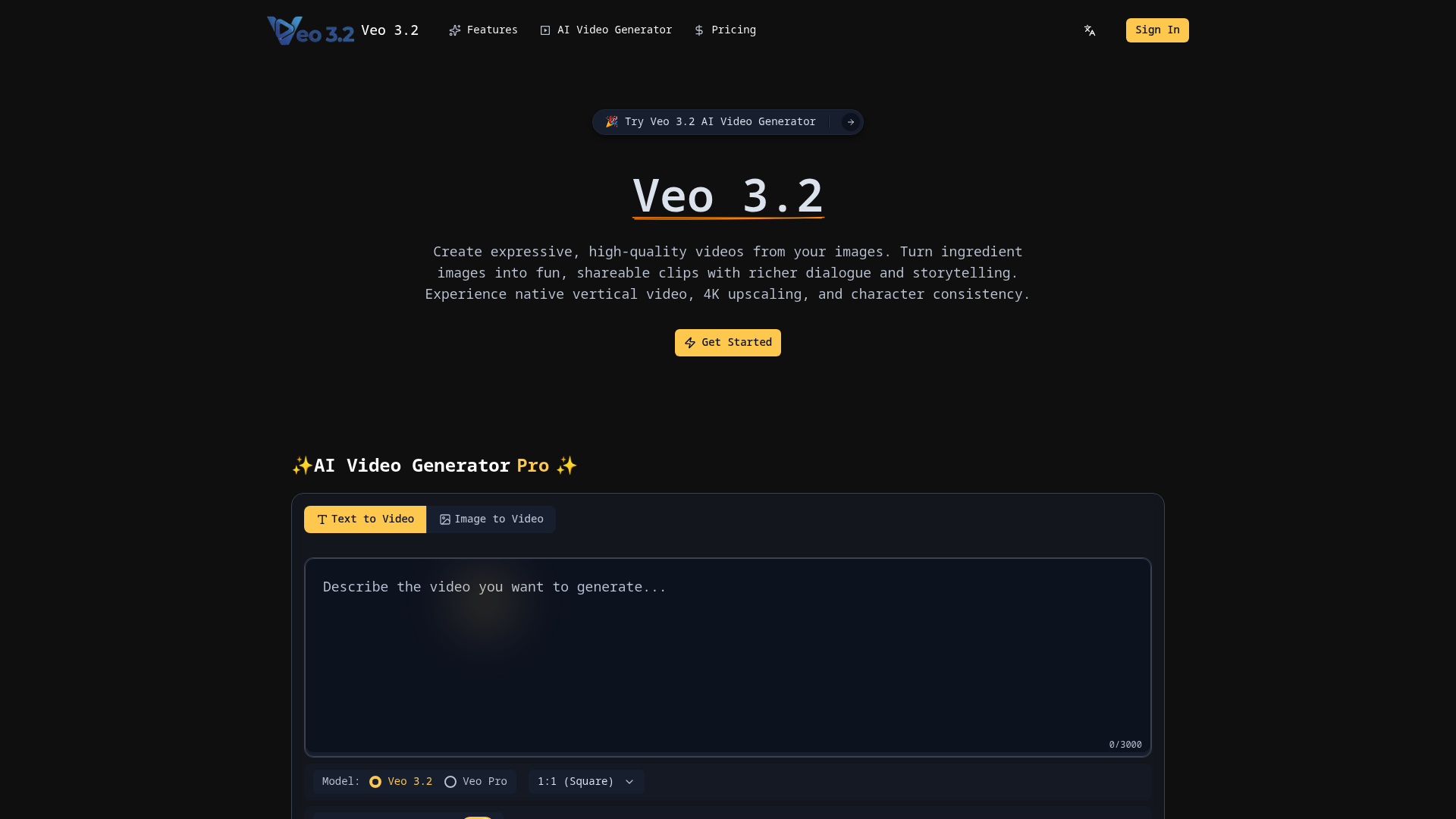
What is veo3.2
veo3.2 is a state-of-the-art AI video generation model designed to bridge the gap between static imagery and cinematic storytelling. As an advanced iteration of creative AI, veo3.2 allows users to transform "ingredient images"—reference photos of characters, objects, or settings—into expressive, high-fidelity video clips. Whether you are a casual storyteller looking to spice up social media or a professional filmmaker seeking rapid prototyping, veo3.2 provides the tools necessary to bring static visions to life with unprecedented detail.
The primary goal of veo3.2 is to solve the common issues of AI video generation, such as flickering backgrounds and changing character faces. By focusing on consistency and quality, veo3.2 empowers creators to maintain a coherent narrative across multiple scenes, making it a cornerstone tool for modern digital content production.
Core features of veo3.2
The feature set of veo3.2 is designed to meet professional standards while remaining accessible to beginners.
- Image-to-Video Transformation: Use veo3.2 to turn any reference image into a dynamic clip with rich dialogue and realistic movement.
- Character Identity Consistency: One of the strongest points of veo3.2 is its ability to keep a character’s appearance identical across different settings and angles.
- Native Vertical Video (9:16): Unlike many other generators, veo3.2 supports native 9:16 aspect ratios, perfect for YouTube Shorts, TikTok, and Instagram Reels without any quality loss from cropping.
- State-of-the-Art 4K Upscaling: Users can generate videos in 1080p for quick edits or use the veo3.2 upscaling engine to reach broadcast-ready 4K resolution.
- Background & Object Consistency: Maintain the integrity of your environment. With veo3.2, the textures and objects in your background remain stable throughout the scene.
- SynthID Watermarking: To promote transparency, all content generated by veo3.2 includes Google’s imperceptible SynthID digital watermark.
Use cases of veo3.2
The versatility of veo3.2 makes it applicable across various industries and creative fields.
- Social Media Influencers: Content creators use veo3.2 to generate high-quality vertical videos for mobile platforms. For instance, a food blogger can turn a photo of a dish into a steaming, cinematic close-up.
- Digital Filmmaking: Independent directors utilize veo3.2 to storyboard or create final visual effects shots where character consistency is mandatory.
- Marketing and Advertising: Marketing teams leverage veo3.2 to produce short-form video ads that reuse the same brand assets and backgrounds, ensuring a cohesive campaign visual style.
- Personal Storytelling: Casual users enjoy using veo3.2 to animate family photos or create personalized video greetings with expressive dialogue.
How to use veo3.2
Getting started with veo3.2 is a straightforward three-step process designed for maximum efficiency.
- Upload Reference Images: Begin by uploading your "ingredient images" to the veo3.2 interface. These can be pictures of specific characters, objects, or textures you want to feature.
- Describe Your Vision: Enter a text prompt describing the action, dialogue, or atmosphere you desire. The veo3.2 engine will synthesize your text and images into a cohesive story.
- Generate and Download: Select your desired resolution, such as 1080p or 4K. Once veo3.2 finishes processing, you can download your masterpiece, ready for high-end production or social sharing.
Advantages of veo3.2
When comparing veo3.2 to other AI video tools, several key advantages stand out:
- Unmatched Consistency: While other models struggle with "hallucinations," veo3.2 excels at keeping characters and backgrounds stable.
- Professional Resolution: The native 4K output of veo3.2 ensures that your videos are suitable for large screens and professional workflows.
- Mobile-First Design: By supporting native 9:16 ratios, veo3.2 saves creators hours of post-production cropping and editing.
- User-Friendly Interface: The veo3.2 dashboard is intuitive, requiring no technical coding skills to produce high-impact results.
- Ethical AI Standards: The integration of SynthID in veo3.2 provides a layer of trust and verification for AI-generated content.
Pricing structure of veo3.2
veo3.2 operates on a flexible pricing model to accommodate different user needs.
- Free/Trial Credits: New users can often explore the basic functions of veo3.2 using a limited number of initial credits.
- Veo Pro Subscription: For heavy users, the veo3.2 Pro plan offers priority processing, access to 4K upscaling, and higher credit limits.
- Credit-Based System: Each generation in veo3.2 typically costs a set number of credits (e.g., 2 credits per generation), allowing users to pay only for what they use.
The veo3.2 pricing is designed to be cost-effective for both hobbyists and large marketing agencies.
FAQs about veo3.2
What is veo3.2 used for? veo3.2 is used to generate high-quality AI videos from text prompts and reference images, focusing on character and scene consistency.
Is veo3.2 free to use? You can start using veo3.2 with trial credits, though advanced features like 4K upscaling may require a veo3.2 Pro subscription.
What makes its veo3.2 results better? The "ingredient image" system in veo3.2 allows for much tighter control over visual elements compared to standard text-only generators.
Can I use veo3.2 for commercial projects? Yes, videos generated with veo3.2 are designed for professional workflows, including marketing and filmmaking, provided you have the appropriate subscription.
Does veo3.2 support vertical video? Absolutely. veo3.2 offers native 9:16 support, making it an ideal choice for short-form content creators on mobile platforms.
How does veo3.2 ensure character consistency? veo3.2 uses advanced identity-tracking algorithms that lock onto the features of your uploaded reference image throughout the entire video sequence.