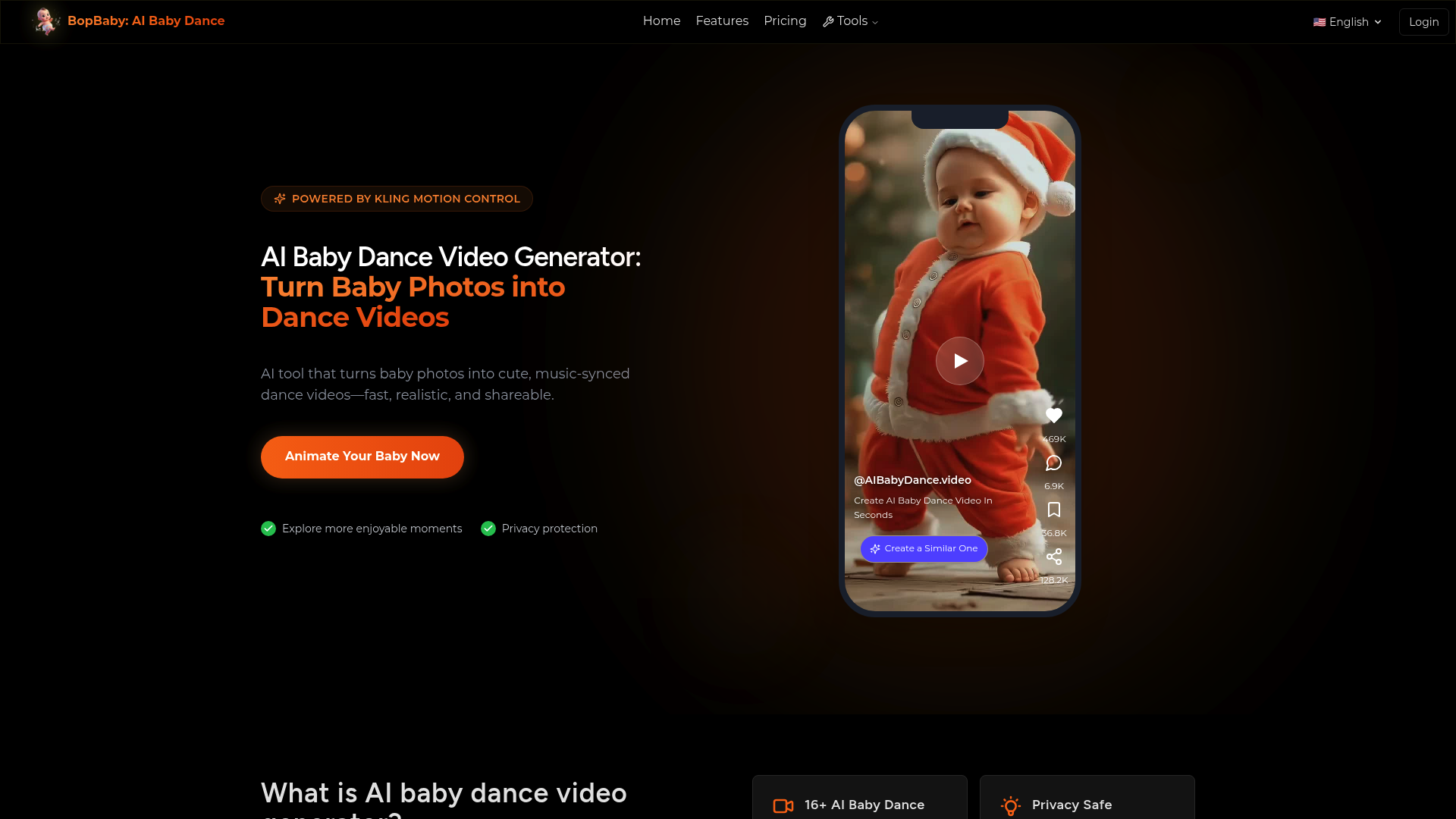
What is aibabydance
aibabydance, also known as BopBaby, is a cutting-edge AI-powered platform designed to bring your baby's photos to life. By utilizing the advanced Kling Motion Control engine, this tool allows parents and creators to generate a high-quality ai baby dance video from a single still image. It solves the challenge of creating engaging, animated content for families without needing complex video editing skills.
Whether you want to see your little one performing hip-hop moves or a graceful ballet routine, this ai baby dance video generator uses sophisticated algorithms to ensure the movements are fluid and adorable. It perfectly preserves the baby’s unique facial features while applying realistic motion, making every ai baby dance video look professional and heartwarming.
Core features of aibabydance
The platform offers a robust set of features tailored for creating the perfect ai baby dance video:
- Extensive Template Library: Choose from over 16 unique dance styles, including Urban Street, K-Pop Star, and Santa Baby, to customize your ai baby dance video.
- Face Preservation Technology: The core AI ensures that the ai baby dance video maintains a high level of similarity to the original photo, keeping facial expressions clear and natural.
- HD Resolution Options: Users can export their ai baby dance video in 720P or 1080P, ensuring the final result looks crisp on any screen.
- Music Synchronization: Every ai baby dance video is automatically synced to catchy beats, providing a ready-to-share audio-visual experience.
- Motion Control Engine: Powered by Kling, the motion in each ai baby dance video is realistic, avoiding the "uncanny valley" effect often seen in lesser AI tools.
Use cases of aibabydance
The versatility of this ai baby dance video tool makes it suitable for various creative scenarios:
- Social Media Challenges: Content creators can use an ai baby dance video to participate in trending TikTok or Instagram Reels challenges, often resulting in viral engagement.
- Birthday Celebrations: Add a unique touch to birthday invitations or tribute montages by including a funny ai baby dance video of the guest of honor.
- Family Communication: Brighten up family group chats by sharing a custom ai baby dance video that showcases the baby "performing" for grandparents and relatives.
- Digital Keepsakes: Parents can create a themed ai baby dance video (like the Folk Joy or Traditional Joy templates) to celebrate cultural holidays in a modern way.
How to use aibabydance
Creating your first ai baby dance video is a straightforward three-step process designed for users of all technical levels:
- Upload the Photo: Select a clear, front-facing photo of your baby's face. This image serves as the foundation for your ai baby dance video.
- Select a Template: Browse the library of 16+ styles. Pick the one that fits the mood you want for your ai baby dance video, such as "Cool Sunglasses" or "Party Groove."
- Generate and Download: Click the generate button. Within minutes, the AI processes the motion and renders your HD ai baby dance video, which is then ready for instant download and sharing.
Advantages of aibabydance
Choosing BopBaby for your ai baby dance video needs comes with several distinct benefits:
- Unmatched Speed: Unlike manual animation, you can generate a complete ai baby dance video in just a few minutes.
- Privacy Centric: Your photos are processed securely. The platform ensures that data used for your ai baby dance video is protected and never shared with third parties.
- Ease of Use: No technical expertise or video editing background is required to produce a high-quality ai baby dance video.
- Social Media Optimization: Every ai baby dance video is exported in a 9:16 aspect ratio, making it perfectly formatted for modern mobile platforms.
- Realistic Skin Tones: The AI is calibrated to maintain natural skin tones and textures throughout the ai baby dance video generation process.
Pricing structure of aibabydance
To maintain high-quality processing and the use of the Kling engine, the service operates on a credit-based system. Each credit pack allows you to create a specific number of ai baby dance video files:
- Starter Pack: $9.9 for 300 credits (up to 10 720P videos).
- Value Packs: Larger packs are available at $19.9, $29.9, and $59.9, offering better per-video rates for those making multiple ai baby dance video projects.
- Pro Pack: $119.9 for 5500 credits, suitable for power users or social media managers who need a high volume of ai baby dance video content.
All credit packs are valid for one year and provide full access to all available dance templates for your ai baby dance video creations.
FAQs about aibabydance
What is an ai baby dance video generator? It is an AI-powered technology that animates a still baby photo, allowing the subject to perform popular and natural-looking dance moves.
Is it free to create an ai baby dance video? Due to the high computational costs of the Kling motion engine, the tool requires credit purchases to generate an ai baby dance video.
Can I use the ai baby dance video for commercial projects? Yes, once you generate your ai baby dance video, you can share it across your social media channels for personal or promotional use.
How does the AI keep the baby's face looking real? The tool uses specialized Face Preservation Technology to ensure the identity in the ai baby dance video remains identical to the uploaded photo.
What resolution is the final ai baby dance video? You can choose between 720P for quick sharing or 1080P for the highest quality ai baby dance video output.
Is my data safe when making an ai baby dance video? Absolutely. The platform uses encryption and deletes your photos from the servers after the ai baby dance video is created, unless you save them to your profile.