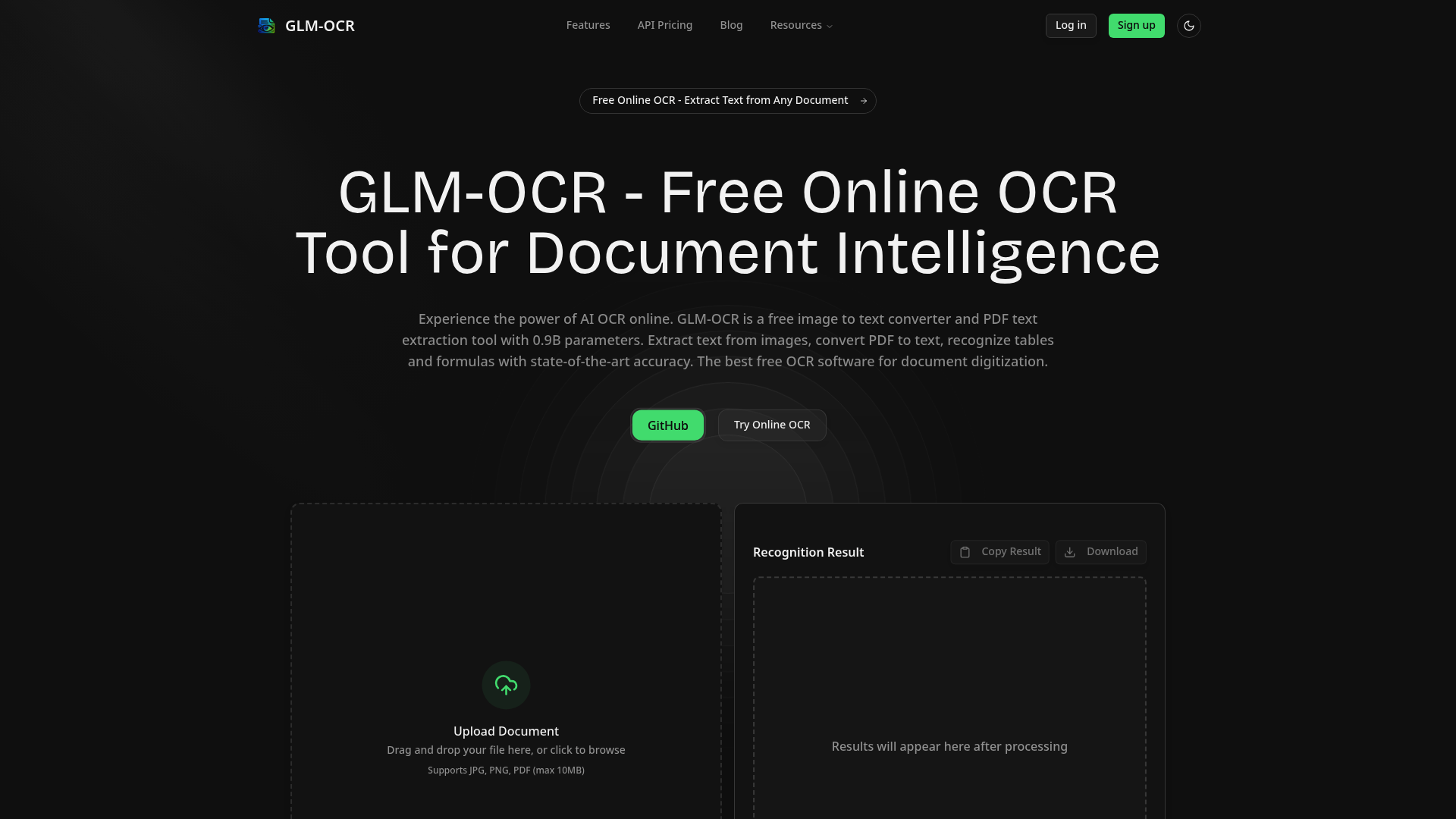
What is glm ocr
GLM OCR is a state-of-the-art, free online OCR tool designed to extract text from images, scanned documents, and PDF files with remarkable accuracy. Powered by a lightweight 0.9B parameter AI model, glm ocr goes beyond traditional optical character recognition by understanding context, tables, handwriting, and even complex mathematical formulas. It transforms static visual content into editable, searchable, and structured digital text.
In a world where documents exist in countless formats—from screenshots and photos to dense academic papers—glm ocr bridges the gap between visual data and actionable information. Whether you need to digitize a physical archive or pull text from a receipt, glm ocr delivers a seamless solution for both casual users and professionals.
Core features of glm ocr
GLM OCR comes packed with powerful features that set it apart from conventional text extraction tools:
- Image to Text Converter: Upload photos, screenshots, or scanned documents and let glm ocr extract every character with up to 99.9% accuracy, including handwritten notes, code snippets, and special symbols.
- Table Recognition & Extraction: Unlike basic OCR tools that output raw, unstructured text, glm ocr intelligently identifies rows, columns, and data relationships, making it ideal for financial reports and data analysis.
- Formula Recognition to LaTeX: For researchers and students, glm ocr converts complex mathematical equations into LaTeX format with 96.5% accuracy, preserving academic integrity.
- Multilingual Support: Process documents in 8+ languages including English, Chinese, Japanese, Korean, French, and German with native-level fluency.
- Batch Processing Capability: Handle large-scale document digitization efficiently. GLM OCR processes approximately 1.86 pages per second, making it suitable for enterprise workflows.
- Developer-Friendly Output: Export results in plain text, Markdown, LaTeX, or structured JSON, enabling seamless integration into applications.
Each feature of glm ocr is designed to solve a real user problem: reducing manual data entry, preserving document structure, and making information universally accessible.
Use cases of glm ocr
The versatility of glm ocr allows it to serve a wide spectrum of industries and personal projects:
- Academic Research: A PhD candidate digitizing 50-year-old handwritten archival notes can rely on glm ocr to convert fragile documents into searchable digital text while preserving citations and mathematical notations.
- Financial Analysis: An accountant receives hundreds of scanned invoices weekly. Using glm ocr, they extract vendor names, dates, and line-item amounts into structured JSON, ready for Excel or ERP systems.
- Legal Documentation: Law firms process contracts and case files with glm ocr to identify clauses and structural hierarchy, significantly reducing manual review time.
- Developer Integration: A SaaS builder integrates glm ocr via API to allow users to upload ID cards and auto-fill forms, eliminating manual typing errors.
Whether you are a student, developer, business owner, or librarian, glm ocr adapts to your document type and output requirements.
How to use glm ocr
Getting started with glm ocr requires no technical expertise and takes less than a minute:
- Visit the Website: Navigate to the glm ocr online tool. No registration or login is required for basic usage.
- Upload Your Document: Drag and drop an image (JPG, PNG) or PDF file directly into the upload area. The current limit is 10MB per file.
- AI Processing: The glm ocr model analyzes visual features, aligns them with language understanding, and recognizes text, tables, and formulas with contextual awareness.
- Review and Copy: Once processing completes, the extracted text appears in the result panel. You can copy it to your clipboard or download it as a file.
- Choose Output Format: For advanced users, glm ocr offers multiple output formats including Markdown, LaTeX, and JSON.
For power users, glm ocr also provides deployment options via Docker, Ollama, and a cloud API, allowing full control over inference and integration.
Advantages of glm ocr
When compared to traditional OCR software and even larger commercial models, glm ocr offers distinct competitive advantages:
- Superior Accuracy: With an OCR Accuracy Score of 94.62% on industry benchmarks like OCRBench and 93.7% on UniMERNet for formula recognition, glm ocr outperforms legacy tools and approaches the accuracy of massive language models.
- Completely Free: Unlike other services that limit free pages or require subscriptions, glm ocr remains free to use online with no hidden costs or credit card requirements.
- Context-Aware Processing: GLM OCR does not just read characters—it understands document structure. It preserves table layouts, reads seals, and even recognizes handwriting that confuses traditional software.
- Lightweight and Fast: Built with only 0.9B parameters, glm ocr runs efficiently without compromising speed, processing nearly two pages per second.
- Flexible Deployment: From instant web access to local deployment via Ollama and high-performance inference with vLLM, glm ocr adapts to your infrastructure preferences.
- Privacy-Friendly: For sensitive documents, local deployment options ensure data never leaves your environment.
These advantages make glm ocr not just another free tool, but a genuine competitor to enterprise OCR solutions.
Pricing structure of glm ocr
GLM OCR offers one of the most generous pricing models in the AI document processing space.
The online version of glm ocr is completely free to use. Users can upload images and PDFs, extract text, tables, and formulas without any cost, registration, or watermarks. This makes it accessible to students, independent researchers, and small business owners who need high-quality OCR without budget constraints.
For developers and enterprises requiring high-volume processing, glm ocr provides a cloud API at $0.99 per million tokens. This consumption-based model ensures you only pay for what you use, with no upfront commitments.
Additionally, glm ocr is fully open-source under the Apache-2.0 License. Organizations can deploy it locally using Docker, Ollama, or Hugging Face Transformers at zero licensing cost, retaining full data privacy and unlimited processing capacity.
FAQs about glm ocr
What is glm ocr used for?
GLM OCR is used to extract and digitize text from images, scanned PDFs, screenshots, and handwritten documents. It is ideal for converting physical documents into editable digital formats.
Is glm ocr completely free?
Yes, the online version of glm ocr is entirely free. You do not need to register or pay. A low-cost API is available for high-volume commercial use.
What makes glm ocr more accurate than other OCR tools?
Unlike traditional OCR that relies purely on pattern matching, glm ocr uses a lightweight AI model trained on diverse document types. It understands context, recognizes tables and formulas, and adapts to challenging conditions like seals or low-quality scans.
Does glm ocr support handwriting recognition?
Yes, glm ocr includes handwriting recognition capabilities, making it useful for digitizing notes, historical documents, and personal journals.
Can I use glm ocr for commercial projects?
Absolutely. The online tool and open-source model can be used for commercial purposes. For large-scale production, the API or local deployment options are recommended.
What file formats does glm ocr support?
GLM OCR supports JPG, PNG, and PDF files up to 10MB per upload.
Does glm ocr require an internet connection?
The online version requires an internet connection. However, you can deploy glm ocr locally using Ollama or Docker for offline use.