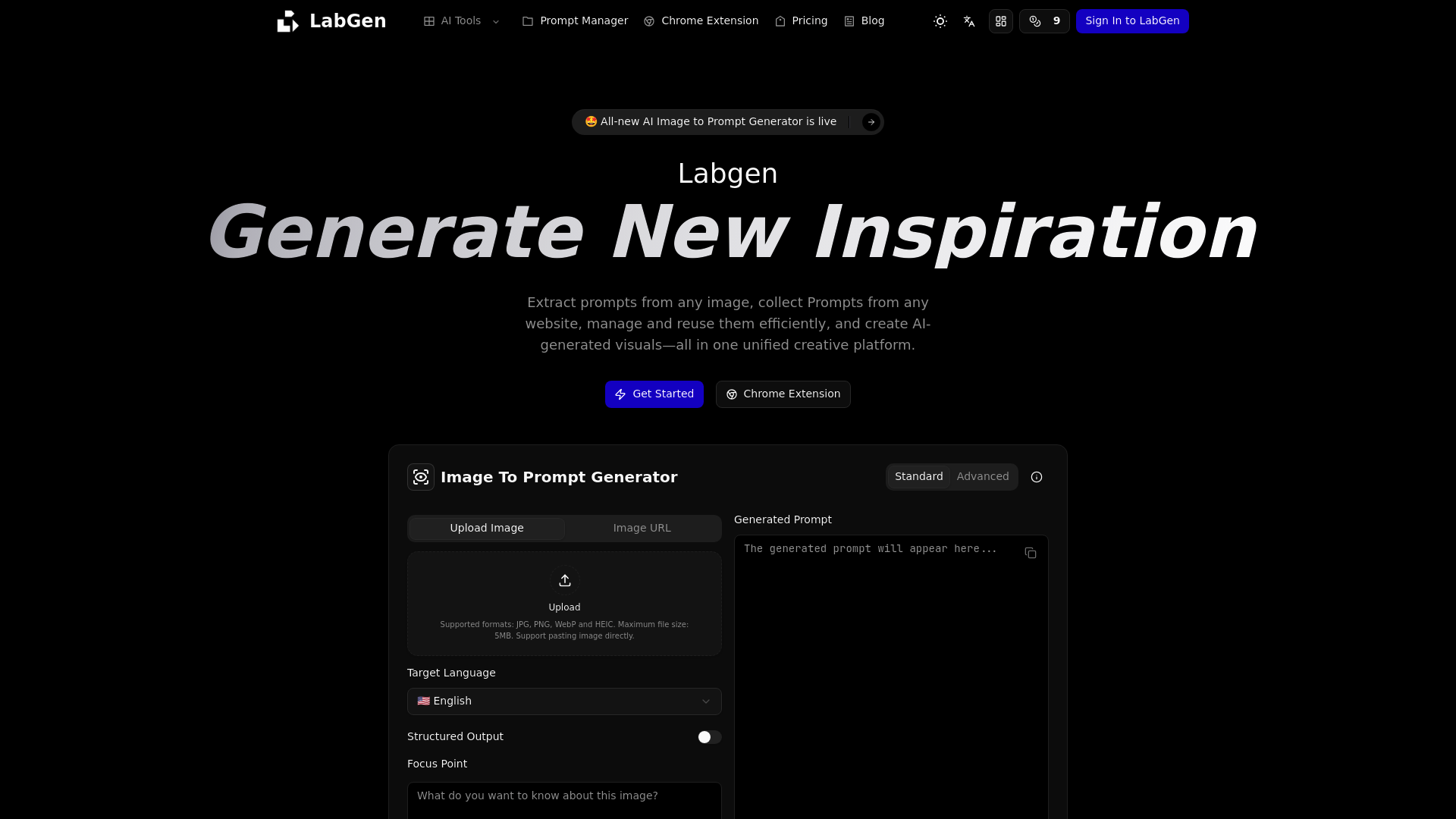
What is labgen
LabGen is a comprehensive creative platform designed to bridge the gap between visual inspiration and AI-driven execution. At its core, it functions as a sophisticated Image To Prompt engine that allows users to deconstruct any image into detailed, actionable text descriptions. Whether you are looking to understand the specific art style of a painting or need to replicate a specific lighting setup in your AI art, LabGen provides the tools to do so effortlessly.
By using LabGen, creators no longer have to guess which keywords were used to produce a stunning visual. The platform acts as an intelligent Image To Prompt assistant, translating complex visual elements like composition, mood, and technical attributes into a structured format that AI models can understand. It is specifically built for the modern AI workflow, catering to designers, marketers, and AI enthusiasts who require precision in their creative process.
Core features of labgen
The strength of LabGen lies in its versatile toolset, centered around the Image To Prompt workflow. Its core features include:
- Advanced Image Analysis: The Image To Prompt tool automatically analyzes styles, subjects, and layouts to generate high-quality prompts.
- Multi-Model Optimization: You can tailor your Image To Prompt results for specific models like Midjourney, Flux, DALL-E, or Stable Diffusion.
- Customizable Focus Points: Users can instruct the Image To Prompt generator to focus on specific aspects such as color schemes, artistic styles, or subject details.
- Target Language Support: It supports generating prompts in multiple languages, including English, Chinese, and Japanese, making the Image To Prompt process accessible globally.
- Word Count Control: Flexibly adjust the output length, from brief keywords to detailed, descriptive paragraphs.
- Integrated Prompt Manager: Once you generate an Image To Prompt result, you can save, tag, and categorize it within a centralized library for future reuse.
Use cases of labgen
LabGen serves a wide variety of professional and creative scenarios where a reliable Image To Prompt tool is essential:
- AI Art Creation: Digital artists use the Image To Prompt feature to reverse-engineer styles they admire, allowing them to replicate lighting and rendering techniques in their own projects.
- SEO and Web Accessibility: SEO experts utilize the tool to generate accurate Alt text for images, improving search rankings and accessibility through automated Image To Prompt descriptions.
- Social Media Marketing: Content creators turn their visual assets into descriptive captions and marketing copy using the Image To Prompt conversion capabilities.
- Design Collaboration: Product managers use the Image To Prompt output to clearly communicate design requirements and visual intents to their creative teams, reducing ambiguity.
How to use labgen
Getting started with the Image To Prompt workflow on LabGen is simple and requires no steep learning curve:
- Upload Your Visual: Drag and drop an image or paste a URL into the Image To Prompt generator interface.
- Configure Settings: Select your target AI model (e.g., Midjourney) and choose the desired language and focus points for your Image To Prompt output.
- Generate and Refine: Click the generate button to receive a structured text description. You can adjust word counts to get the perfect Image To Prompt balance.
- Save or Reuse: Copy the prompt directly to your AI tool of choice, or use the Chrome extension to save the Image To Prompt data to your personal manager.
Advantages of labgen
Compared to other tools, LabGen offers several distinct advantages in the Image To Prompt space. Firstly, its speed is exceptional; visual analysis happens in seconds, providing immediate creative fuel. Secondly, the quality and accuracy of the generated text are superior, as the AI is specifically tuned to understand artistic nuances rather than just listing objects.
Furthermore, LabGen provides a seamless user experience with a "No Login Required" standard mode, allowing users to test the Image To Prompt features immediately. The platform also emphasizes privacy and security, ensuring that your uploaded images and generated Image To Prompt assets remain your own. With its integrated Chrome extension, it offers better ecosystem support than standalone generators, letting you collect inspiration across the web and convert it into a prompt library instantly.
Pricing structure of labgen
LabGen follows a flexible pricing model to accommodate different user needs. It offers a Free Standard Mode which allows users to experience the core Image To Prompt functionality without registration or fees. This makes it an ideal choice for hobbyists exploring the world of AI art.
For power users, designers, and teams requiring higher volume or advanced settings, LabGen offers subscription tiers. These plans unlock premium Image To Prompt features, such as advanced model optimization, higher file size limits, and full access to the Prompt Manager's categorization tools. This structured approach ensures that whether you need a quick Image To Prompt conversion or a professional-grade prompt management system, there is an option available.
FAQs about labgen
What is LabGen used for? LabGen is primarily used to convert visual images into text descriptions. Its Image To Prompt technology helps users generate keywords for AI art generators like Midjourney and Stable Diffusion.
Is LabGen free to use? Yes, LabGen provides a free standard mode for its Image To Prompt tool that does not require an account or payment, making it highly accessible for quick tasks.
What makes its Image To Prompt results better? Unlike generic AI, LabGen is specifically tuned for visual understanding, meaning it captures "mood," "lighting," and "artistic genre" more accurately during the Image To Prompt process.
Can I use it for commercial projects? The prompts generated through the Image To Prompt tool can be used to facilitate your creative work, though users should always respect original copyright when using reference images.
Does it require technical skills? Not at all. The Image To Prompt interface is designed for simplicity, featuring a drag-and-drop system that anyone can master in seconds.