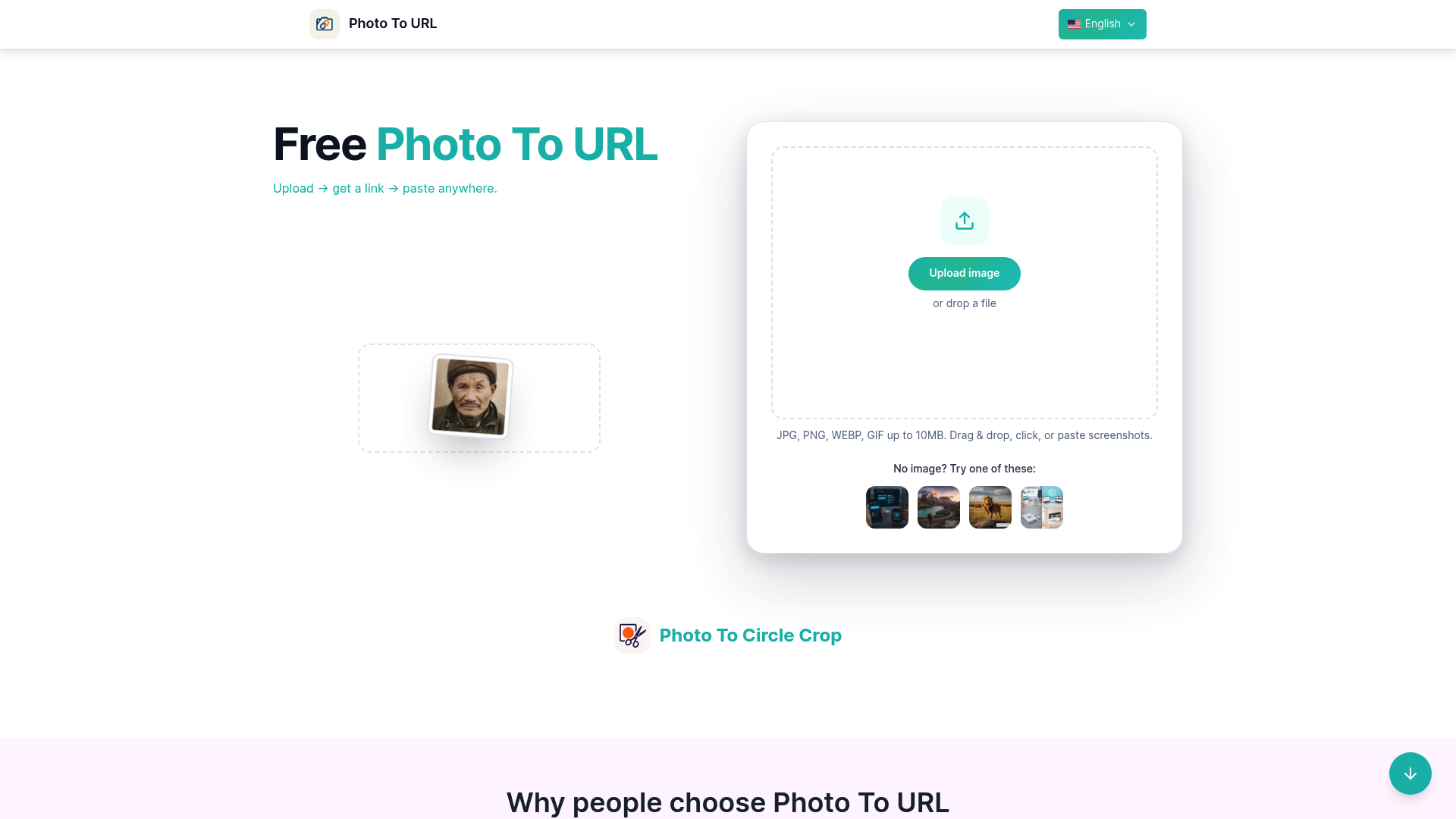
What is phototourl
Phototourl is a streamlined web utility designed to simplify the digital workflow by converting static images into shareable web links. In the modern digital workspace, sharing heavy attachments can be cumbersome; phototourl solves this by acting as a fast and reliable photo to url converter. Users can simply drag and drop their files to generate a direct link that can be pasted anywhere, from code repositories to chat applications.
The tool bridges the gap between local storage and the internet. Whether you are a developer documenting code, a designer sharing a mockup, or a support agent clarifying a ticket, this photo to url solution offers a frictionless way to host images. By eliminating the need for account registration or complex media management systems, it provides an immediate photo to url service that focuses purely on speed, clarity, and ease of use.
Core features of phototourl
The platform offers a robust set of capabilities designed to make the photo to url process as efficient as possible for professionals and casual users alike.
- Instant Conversion: The core engine is optimized for speed, allowing users to complete the photo to url process in seconds. There is no waiting for processing queues.
- Broad Format Support: You can perform photo to url uploads using popular formats including JPG, PNG, WEBP, and GIF. The tool supports files up to 10MB in size.
- Direct CDN Hosting: Every image processed by the photo to url tool is hosted via a fast Content Delivery Network (Cloudflare R2), ensuring that your links load quickly for viewers worldwide.
- Developer-Friendly Exports: Beyond just a raw link, the tool allows you to save the photo to url result as JSON, plain text (
.txt), or Markdown (.md), making it perfect for technical documentation. - No Signup Required: You can access the full photo to url functionality immediately. There are no login walls or mandatory account creations to slow you down.
Use cases of phototourl
This photo to url utility is versatile and fits into various professional workflows where visual communication is key.
- Customer Support and QA: Support teams often need to share screenshots of bugs or errors without clogging up ticketing systems with heavy attachments. By using this photo to url generator, agents can paste clean, fast-loading links directly into Jira tickets, Zendesk threads, or live chats, keeping the conversation flow smooth.
- Documentation and Blogging: Technical writers and bloggers frequently use Markdown. Phototourl simplifies this by providing a photo to url service that outputs Markdown-ready links. A writer can upload a diagram and instantly get the code snippet needed to embed the image into their documentation or CMS without managing a separate media library.
- Design and Engineering Handoffs: When designers need to share quick UI mocks or assets with developers, sending a file can be slow. Using a photo to url tool allows for instant sharing via Slack, Discord, or Microsoft Teams. The preview expands nicely, and the link remains accessible for the engineering team to reference later in the build process.
How to use phototourl
Getting started with phototourl is intuitive. Follow these simple steps to master the photo to url workflow:
- Select Your Image: Visit the interface and drag your file into the drop zone, or click to browse your device. The photo to url system accepts screenshots and photos up to 10MB.
- Wait for Processing: The upload happens almost instantly. The tool hosts your file and immediately completes the photo to url conversion.
- Copy the Link: Once generated, you will see your new URL. Click the copy button to grab the direct link.
- Choose Your Format: If you are a developer or writer, use the specific buttons to save the photo to url output as a
.mdfile for Markdown or.jsonfor programmatic use. - Share Anywhere: Paste the link into your email, code editor, or chat app. The photo to url process is now complete, and your image is live on the web.
Advantages of phototourl
While there are many image hosting sites, phototourl distinguishes itself as a specialized photo to url tool with specific benefits for modern web users.
- Speed and Efficiency: The platform is engineered for the fastest possible photo to url turnaround. It removes unnecessary steps, ensuring you get from file to link in the shortest time.
- User Experience: The interface is clean, ad-free, and focused. It doesn't distract you with social feeds; it simply performs the photo to url task you came to do.
- Reliability: Powered by Cloudflare R2 integration, the links generated by this photo to url converter are robust and benefit from enterprise-grade uptime and loading speeds.
- Format Flexibility: Unlike basic hosts, the ability to export photo to url data into JSON and Markdown caters specifically to the needs of developers and content creators, integrating seamlessly into code-heavy workflows.
- Privacy-Conscious: With no forced signup, you retain anonymity while using the photo to url service for quick, one-off sharing tasks.
Pricing structure of phototourl
Phototourl is committed to providing accessible tools for creators. Currently, the core photo to url functionality is completely free to use.
- Free Access: Users can upload images and generate links without any cost. The standard photo to url features, including the 10MB upload limit and various export formats, are open to everyone.
- Future Plans: While the basic photo to url service remains free, the roadmap includes plans for generous hosting tiers and potentially advanced features like team spaces or analytics in the future. For now, you can enjoy a premium-feeling photo to url experience without pulling out a credit card.
FAQs about phototourl
What is phototourl primarily used for? It is used to quickly convert a local image file into a shareable web link. The photo to url function allows you to host images for chats, docs, and tickets instantly.
Is the photo to url service free? Yes, the core upload and link generation features are free. You can use the photo to url tool without paying or registering.
What file formats does the photo to url tool support? Currently, you can upload PNG, JPG, WEBP, and GIF files. The photo to url converter handles files up to 10MB in size.
Can I use the photo to url results in Markdown documents? Absolutely. The tool is designed with this in mind and offers a one-click option to copy the photo to url result specifically formatted for Markdown embedding.
Why are my images served via a CDN? The photo to url tool uses a CDN (Content Delivery Network) to ensure your images load fast regardless of where the viewer is located, improving the experience for whoever clicks your link.