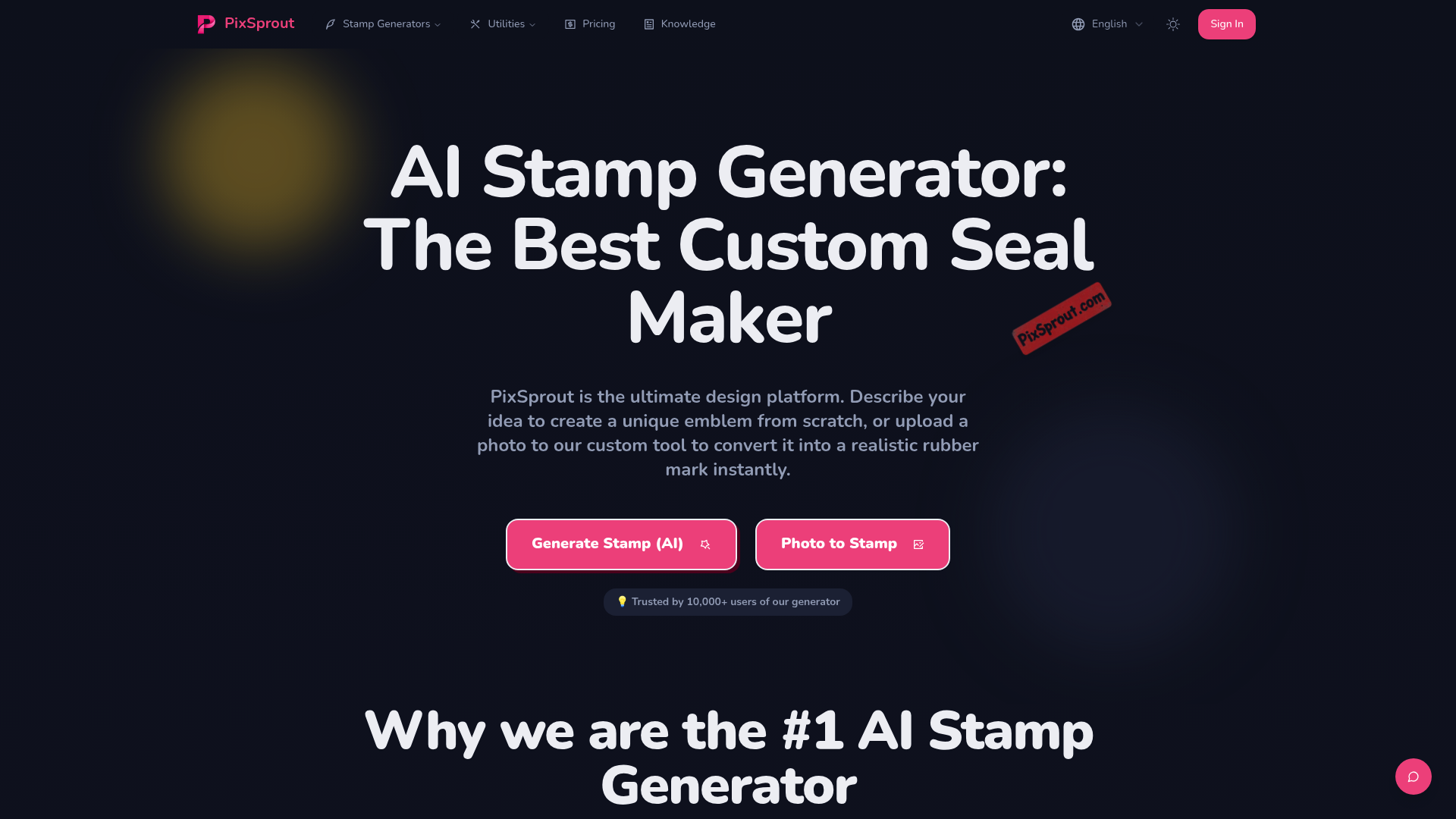
What is pixsprout
PixSprout is a cutting-edge design platform specifically engineered to function as a versatile Seal Maker for modern creators and businesses. By combining advanced generative AI with high-precision image processing, it bridges the gap between traditional physical branding and digital assets. Whether you need an official company emblem or a creative artistic stamp, this Seal Maker provides the infrastructure to build high-resolution, transparent graphics in seconds.
As an all-in-one Seal Maker solution, PixSprout addresses the common struggle of creating realistic textures and shapes from scratch. It is designed for users who require high-quality branding tools without the steep learning curve of professional graphic design software. By utilizing this Seal Maker, anyone can produce professional-grade marks that look like they were hand-stamped with real ink.
Core features of pixsprout
The power of PixSprout lies in its diverse toolkit, making it more than just a basic Seal Maker. Its core features are designed to handle both creative generation and technical conversion:
- AI Text-to-Stamp Generation: As an innovative Seal Maker, it allows users to describe an idea in plain English and see the AI manifest a unique design from a simple text prompt.
- Photo-to-Stamp Conversion: This feature acts as an intelligent Seal Maker filter, transforming uploaded logos, sketches, or portraits into realistic rubber marks with authentic grunge effects.
- Automatic Background Removal: Every asset created through this Seal Maker comes with a built-in white background eraser, ensuring your final output is a clean, transparent PNG.
- Niche-Specific Tools: Dedicated modules like the Pet Seal Maker and Portrait Seal Maker offer specialized algorithms to handle the fine details of animal fur or human facial features.
- High-Resolution Output: Unlike a standard online Seal Maker, PixSprout ensures all downloads are sharp and suitable for both digital overlays and physical printing.
Use cases of pixsprout
The flexibility of this Seal Maker allows it to serve a wide range of industries and personal projects:
- Business Branding: A startup can use the Seal Maker to convert their minimalist logo into a vintage-style digital seal for use on invoices, digital certificates, or "Certified" badges on their website.
- Pet Merchandising: Personal users often utilize the Pet Seal Maker feature to turn a photo of their cat or dog into a stylized emblem for personalized stationery or custom stickers.
- Creative Content Creation: Social media influencers can employ the Seal Maker to create a consistent "watermark" style for their images, giving their brand an artistic and handmade aesthetic.
- E-commerce Security: Online sellers use the Seal Maker to generate "Authentic Product" stamps that help build trust with customers when displayed on product photography.
How to use pixsprout
Getting started with this professional Seal Maker is a straightforward process designed for maximum efficiency:
- Step 1: Choose Your Method: Decide if you want to use the AI Seal Maker to generate a new design from a prompt or use the image-to-stamp tool to convert an existing file.
- Step 2: Input Content: Type your descriptive text into the prompt box or upload your source image (JPG, PNG, or WEBP) into the Seal Maker interface.
- Step 3: Refine and Process: If using the image tool, let the Seal Maker automatically remove the background and apply the ink texture.
- Step 4: Preview and Adjust: Review the stamp's transparency and detail. The Seal Maker engine processes these changes in under 30 seconds.
- Step 5: Download: Save your high-resolution PNG file and apply it to your branding materials instantly.
Advantages of pixsprout
PixSprout stands out in the crowded market of design tools by being a specialized Seal Maker that prioritizes both speed and artistic quality. One major advantage is its speed; the Seal Maker engine can deliver complex results in less time than it takes to open a traditional editor.
Furthermore, the quality of the "ink" physics within this Seal Maker is superior, capturing the imperfect, weathered look of real rubber stamps that other tools often miss. It also offers a significant cost advantage, providing a powerful Seal Maker experience without the need for expensive monthly software suites. With a user-friendly interface, it is a Seal Maker accessible to beginners, yet powerful enough for professional marketing teams.
Pricing structure of pixsprout
PixSprout operates on a user-friendly model that allows everyone to experience its Seal Maker capabilities. It typically offers a free-to-try option where users can test the Seal Maker features and generate initial designs to see the quality. For those requiring higher volume, commercial rights, or exclusive high-resolution exports, the Seal Maker platform provides affordable subscription tiers or credit-based packages. This flexible pricing ensures that whether you are a one-time hobbyist or a business needing a recurring Seal Maker service, there is a plan that fits your budget.
FAQs about pixsprout
What is pixsprout used for? It is primarily a digital Seal Maker used to create realistic stamp designs from text prompts or existing images.
Is pixsprout free to use? The platform offers free access to test the Seal Maker tools, with premium options available for high-res downloads and commercial licenses.
What makes its Seal Maker results better? Unlike simple filters, this Seal Maker uses AI to simulate real ink textures, grunge effects, and automatic background transparency.
Can I use it for commercial projects? Yes, designs generated through the Seal Maker platform come with commercial rights, making them perfect for business branding.
Does it require technical skills? No, this Seal Maker is designed for the general public; if you can type a sentence or upload a photo, you can create a professional seal.
Which tool should I use for a logo? If you already have a logo, the "Image to Stamp" feature of our Seal Maker is the best choice to convert it into a digital mark.