What is probatchresizer
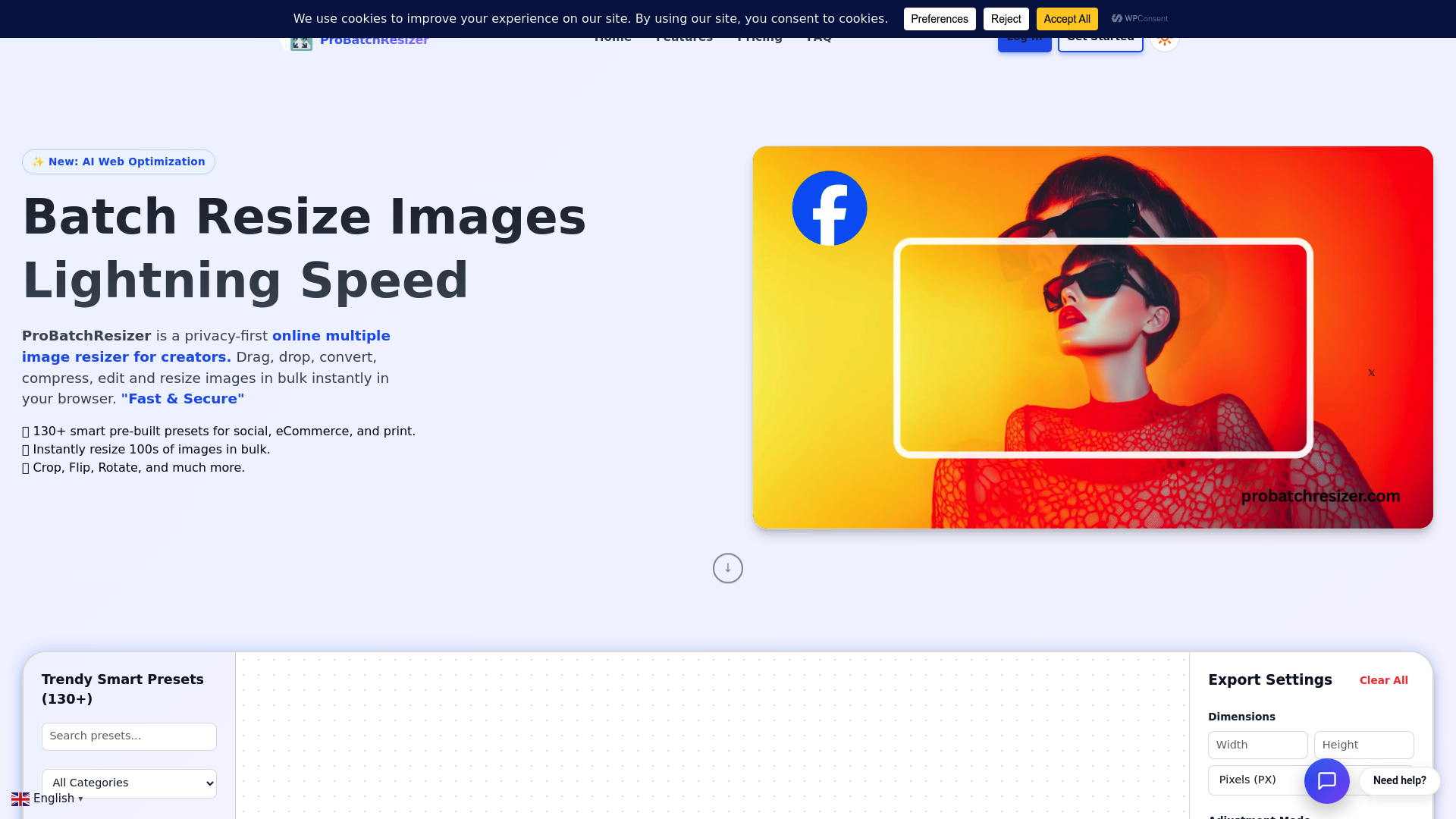
ProBatchResizer is a cutting-edge, privacy-focused online tool designed for creators who need a high-performance pro batch resizer to handle multiple images simultaneously. Unlike traditional editors that require heavy software installations, this pro batch resizer operates directly in your web browser, ensuring that your data remains secure and private.
By leveraging modern web technologies, this pro batch resizer solves the common frustration of resizing photos one by one. Whether you are preparing assets for a professional website or a personal blog, the pro batch resizer streamlines your workflow, allowing you to convert, compress, and edit image batches instantly without sacrificing quality.
Core features of probatchresizer
The core strength of this pro batch resizer lies in its comprehensive feature set tailored for professional efficiency. Key features include:
- 130+ Smart Presets: This pro batch resizer offers a massive library of pre-built dimensions for social media, eCommerce platforms like Amazon and Shopify, and standard print formats like A4 or US Letter.
- Lightning Speed Processing: Powered by WebAssembly and multi-threading, the pro batch resizer delivers near-instant results by processing images locally on your device.
- Bulk Editing Suite: Beyond simple resizing, this pro batch resizer allows you to crop, flip, rotate, and zoom into images in bulk.
- Multi-Format Support: Easily convert between JPG, PNG, and WebP formats using the pro batch resizer's advanced export settings.
- Precision Control: You can define dimensions in pixels, percentages, centimeters, millimeters, or inches, making it a truly versatile pro batch resizer.
Use cases of probatchresizer
Various professionals rely on a pro batch resizer to maintain a consistent visual identity across different platforms.
- Social Media Managers: A creator can use the pro batch resizer to take a single high-resolution graphic and instantly generate versions for Instagram Stories, Twitter posts, and YouTube thumbnails.
- E-commerce Sellers: Online merchants often use this pro batch resizer to ensure all product photos meet the specific square requirements of platforms like Etsy or eBay, creating a uniform look for their storefront.
- Print Designers: For those preparing marketing materials, the pro batch resizer handles DPI and CMYK-friendly dimensions for flyers, posters, and business cards with professional accuracy.
How to use probatchresizer
Getting started with this pro batch resizer is simple and requires no technical expertise:
- Upload Your Files: Drag and drop up to 10 images (or more with a pro plan) into the pro batch resizer interface.
- Select Your Settings: Choose from over 130 presets or enter custom dimensions within the pro batch resizer dashboard.
- Refine and Edit: Use the pro batch resizer tools to adjust the framing, rotation, or zoom of your photos to ensure they look perfect.
- Instant Export: Click the resize button, and the pro batch resizer will generate a ZIP file or individual downloads for your optimized images.
Advantages of probatchresizer
The primary advantage of choosing this pro batch resizer is its "Privacy First" philosophy. Because all processing happens in your browser, your images are never uploaded to a server, making it a more secure pro batch resizer than most online alternatives.
Additionally, the pro batch resizer provides exceptional quality control. It uses advanced resampling algorithms to keep images sharp even after significant size changes. The user interface is intuitive and ad-free, allowing both beginners and experts to navigate the pro batch resizer tools without a steep learning curve. Finally, the ability to handle various units like inches and millimeters makes this pro batch resizer indispensable for physical print workflows.
Pricing structure of probatchresizer
This pro batch resizer offers flexible plans to suit different needs:
- Starter Plan ($0/forever): Perfect for casual users, this free pro batch resizer option allows you to process up to 10 images per batch with standard speeds and full access to all presets.
- Pro Plan ($5/mo): Designed for heavy users, the Pro version of this pro batch resizer increases the limit to 100 images per batch and provides high-priority processing and smart image optimization.
- Business Plan (TBD): For large organizations, the pro batch resizer offers API access, team controls, and dedicated support to automate high-volume workflows.
FAQs about probatchresizer
Is probatchresizer free to use? Yes, the pro batch resizer has a forever-free Starter plan that allows you to resize up to 10 images at once without a credit card.
Are my images secure with this pro batch resizer? Absolutely. This pro batch resizer processes all images locally in your browser. Your files are never uploaded to any external servers.
What formats does the pro batch resizer support? The pro batch resizer fully supports JPG, PNG, and WebP formats for both input and output.
Can I resize images for print using this pro batch resizer? Yes, the pro batch resizer includes specific presets for A4, posters, and business cards, with support for physical units like inches and millimeters.
Do I need to install any software for the pro batch resizer? No, this pro batch resizer is a web-based tool that works in any modern browser on desktop or mobile.
Does this pro batch resizer maintain image quality? Yes, the pro batch resizer uses professional-grade resampling to ensure your photos remain sharp and clear after resizing.