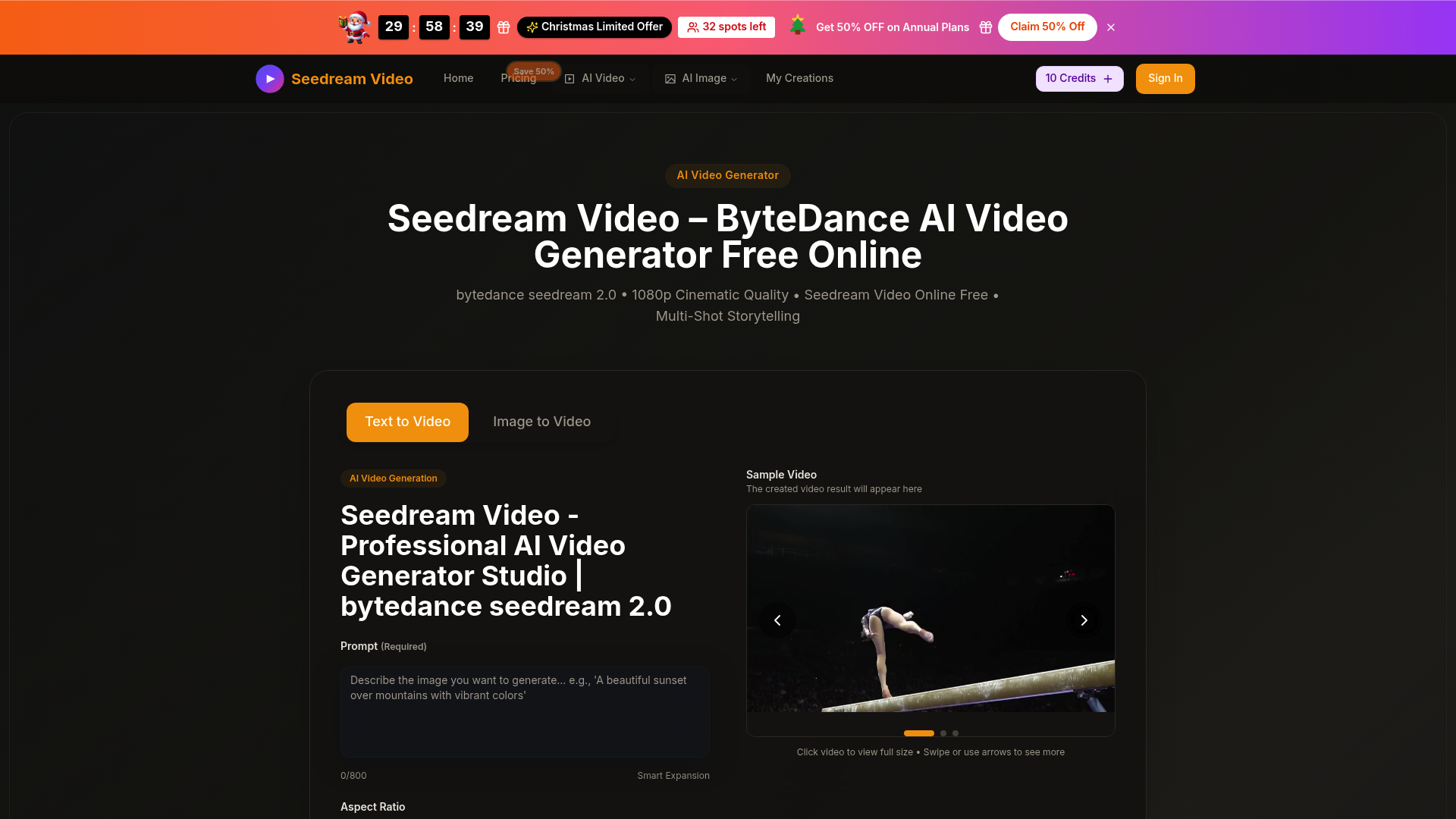
What is seedreamvideo
Seedream Video is a cutting-edge AI video generation platform designed to bridge the gap between static concepts and professional-grade cinematography. Powered by the advanced ByteDance Seedream 2.0 engine, this tool allows users to generate high-definition visual content simply by inputting text prompts or uploading images. Unlike basic animators, the seedream video ecosystem focuses on structural coherence and high-fidelity motion, making it a cornerstone for modern digital storytelling.
Whether you are a solo creator or part of a marketing team, seedream video addresses the common hurdles of expensive production costs and steep learning curves. By leveraging sophisticated semantic understanding, seedream video interprets complex instructions to produce videos that feel directed rather than randomly generated, providing a reliable solution for anyone needing quick, high-quality video assets.
Core features of seedreamvideo
The capabilities of seedream video extend far beyond simple frame interpolation. Here are the pillars of its technology:
- Native 1080p Full HD Output: Every seedream video is rendered in crisp high definition, ensuring that textures, lighting, and motion blur meet professional standards.
- Multi-Shot Storytelling: One of the standout features of seedream video is its ability to maintain character and style consistency across multiple scene transitions, allowing for cohesive narrative arcs.
- Text & Image to Video: Users can start from scratch with descriptive prompts or breathe life into static photos using the intelligent seedream video motion engine.
- Diverse Aesthetic Styles: From hyper-realistic photorealism to stylized 2D anime or cyberpunk aesthetics, seedream video adapts to any creative vision.
- Smart Expansion: The seedream video interface includes tools for aspect ratio adjustment (16:9, 9:16, 1:1, etc.), making it easy to format content for different social platforms.
Use cases of seedreamvideo
The versatility of seedream video makes it an essential asset across various industries:
- Social Media Marketing: A digital marketer can use seedream video to turn product photos into dynamic 10-second ads for TikTok or Instagram Reels, significantly increasing engagement rates without a camera crew.
- Film and Concept Pre-visualization: Directors and writers use seedream video to create "mood reels" or storyboards that move, helping them pitch ideas to stakeholders with a clear visual representation of the final product.
- Educational Content: Educators can transform complex historical or scientific descriptions into seedream video sequences, making learning more immersive and visually stimulating for students.
How to use seedreamvideo
Getting started with the seedream video platform is straightforward and requires no technical background:
- Step 1: Select Your Mode: Choose between "Text to Video" or "Image to Video" on the seedream video dashboard.
- Step 2: Input Your Assets: Enter a detailed descriptive prompt or upload the high-quality image you wish to animate within the seedream video interface.
- Step 3: Configure Settings: Select your desired aspect ratio, video duration (5 or 10 seconds), and quality level to tailor the seedream video output to your needs.
- Step 4: Generate and Refine: Click the generate button. Once the seedream video is ready, you can preview the result, use smart expansion for different crops, or download the final MP4 file.
Advantages of seedreamvideo
What sets seedream video apart from other AI generators is its balance of speed and cinematic quality. While many tools produce "dream-like" or distorted motion, seedream video excels at physical accuracy and fluid transitions. The integration of the ByteDance Seedream 2.0 model ensures that multi-agent interactions—such as two people talking or a car moving through a city—look natural and intentional.
Furthermore, seedream video offers a significant cost advantage. By providing a "Seedream Video Online Free" tier with starter credits, it allows hobbyists to explore AI creativity without immediate financial commitment. For professionals, the seedream video priority queue and commercial licenses provide a reliable, scalable workflow that traditional video editing simply cannot match in terms of turnaround time.
Pricing structure of seedreamvideo
The seedream video platform operates on a flexible, credit-based system to suit different user needs:
- Free Tier: New users can access seedream video with starter credits to test the 1080p generation features.
- Basic Plan: Aimed at hobbyists, this monthly or annual subscription provides enough credits for approximately 80 seedream video generations per month.
- Professional Plan: Designed for active creators, this plan increases the credit limit and allows for up to 200 seedream video creations monthly, including commercial usage rights.
- Enterprise Plan: For high-volume businesses, this plan offers the lowest cost per credit and supports up to 600 seedream video generations, with priority access to the latest models like Veo 3 and Sora 2.
FAQs about seedreamvideo
What is seedreamvideo used for? Seedream video is primarily used to generate high-quality 1080p AI videos from text descriptions or still images for marketing, storytelling, and social media.
Is seedreamvideo free to use? Yes, you can start using seedream video for free by signing in to receive starter credits. Additional credits are available through various subscription plans.
What makes its seedream video results better? The use of the ByteDance Seedream 2.0 model allows for superior semantic understanding and "Multi-Shot" consistency, which many other tools lack.
Can I use seedream video for commercial projects? Commercial use licenses are included in the Basic, Professional, and Enterprise paid plans of seedream video.
Does it require technical skills? No, seedream video is designed with a user-friendly interface that requires only a browser and your creative ideas to produce professional results.
What formats can I download? Every seedream video can be downloaded in standard MP4 format, making it compatible with all major editing software and social platforms.