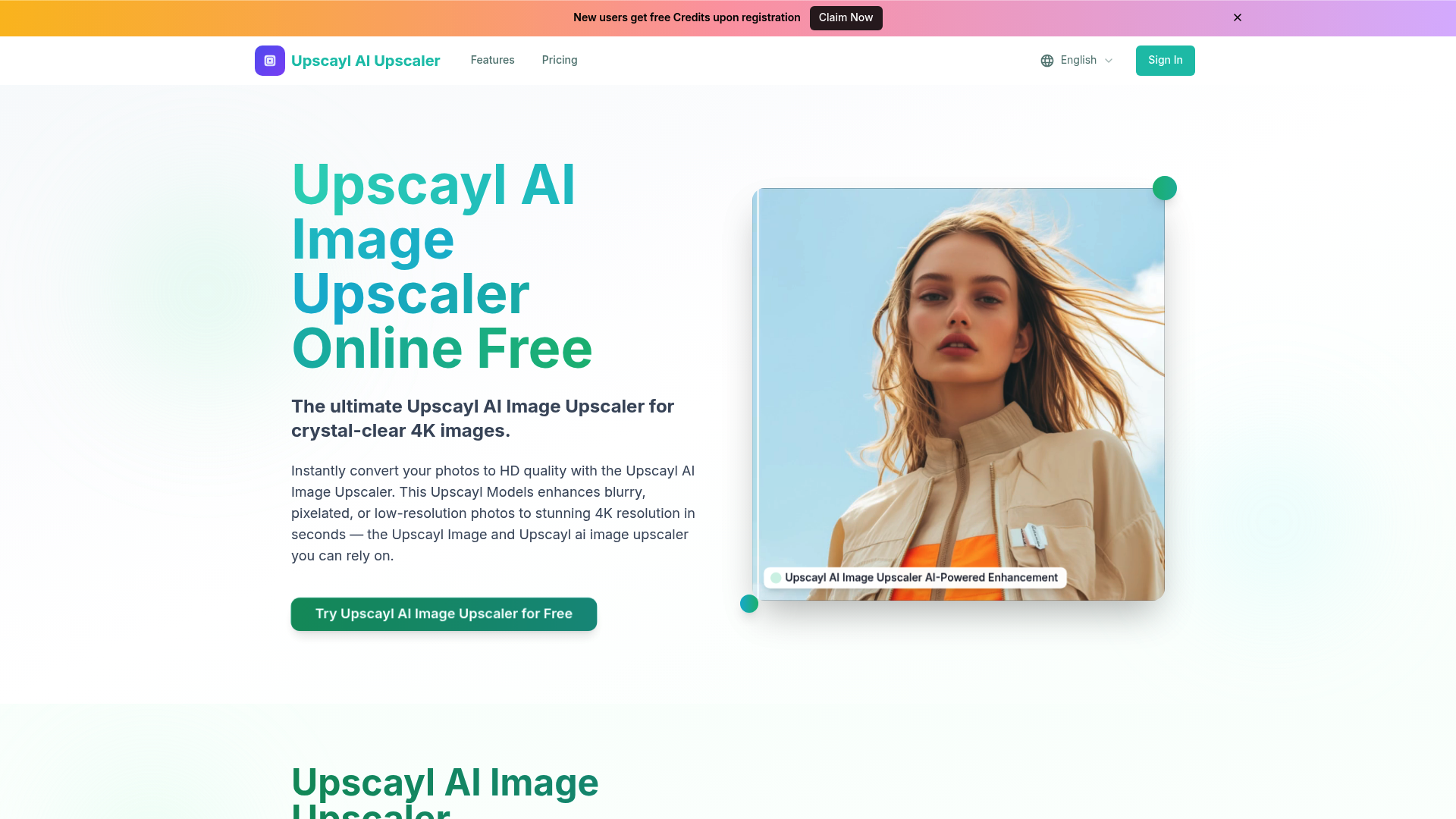
What is upscayl
Upscayl is a cutting-edge AI-powered image enhancement platform designed to solve the common problem of pixelated and low-resolution imagery. By leveraging advanced deep learning algorithms, upscayl allows users to breathe new life into old photos, small social media graphics, or compressed product images. Unlike traditional interpolation methods that simply stretch pixels, upscayl intelligently reconstructs lost details, ensuring that the final output remains sharp and natural-looking.
Whether you are a professional photographer looking to prep a shot for large-format printing or a casual user trying to fix a blurry memory, upscayl provides a seamless bridge between low-quality sources and high-definition results. It acts as a vital tool in modern creative workflows, making professional-grade image scaling accessible to everyone without requiring expensive hardware.
Core features of upscayl
The power of upscayl lies in its robust suite of features tailored for high-fidelity output. Key capabilities include:
- Advanced AI Models: upscayl utilizes specialized models like GFPGAN for face enhancement and Ultra Clean AI for noise reduction, ensuring textures remain realistic.
- Massive Resolution Boost: Users can scale images up to 8K resolution, with specific output options for 2K, 4K, and 6K to suit different needs.
- Face Enhancement: The built-in face refinement tool in upscayl detects facial features and restores them with incredible clarity, making it perfect for portrait restoration.
- Smart Reconstruction: upscayl analyzes the content of an image to fill in missing information, effectively removing blur and jagged edges.
- Batch Processing: For those with high-volume needs, upscayl offers efficient processing capabilities to handle multiple images at once.
Use cases of upscayl
There are numerous practical applications where upscayl excels in delivering value:
- E-commerce Optimization: Online sellers often receive low-quality supplier photos. Using upscayl, a merchant can transform a tiny thumbnail into a high-resolution product shot that builds customer trust and increases sales.
- Heritage Photo Restoration: Families with scanned physical photos from decades ago can use upscayl to remove grain and sharpen faces, preserving memories in a format suitable for modern digital frames.
- Social Media Management: Content creators can take cropped screenshots or low-res mobile uploads and run them through upscayl to ensure their feed looks professional and sharp on high-density smartphone screens.
How to use upscayl
Getting started with upscayl is straightforward and requires no technical expertise. Follow these simple steps:
- Upload Your File: Drag and drop your JPG, PNG, or WEBP image into the upscayl interface.
- Configure Settings: Choose your desired output resolution (such as 4K) and toggle the "Face Enhance" option if you are processing a portrait.
- Process the Image: Click the upscale button and let the upscayl AI engines analyze and reconstruct your photo in seconds.
- Download and Save: Preview the "before and after" results and download your crystal-clear HD image directly to your device.
Advantages of upscayl
What sets upscayl apart from other scaling tools is its unique combination of speed and quality. While many online tools produce "waxy" or over-sharpened images, upscayl maintains a high level of texture fidelity.
Furthermore, upscayl is incredibly fast, often delivering a 4K result in just a few seconds. The user interface is clean and intuitive, ensuring that even a total beginner can achieve professional results on their first try. For business users, the ability to access high-volume processing through upscayl ensures that workflow efficiency is never compromised.
Pricing structure of upscayl
Upscayl offers a flexible pricing model to accommodate different user levels. You can start using upscayl for free to test its core capabilities. For those requiring higher limits, the following tiers are available:
- Professional Plan: Aimed at designers, offering 2,400 credits per year and priority support for a low monthly fee.
- Business Plan: The best value for e-commerce teams, featuring 6,000 credits per year and batch processing API access.
- Enterprise Plan: Designed for high-volume users needing up to 36,000 credits per year and dedicated support.
FAQs about upscayl
What is upscayl used for? Upscayl is used to increase the resolution and quality of images, transforming blurry or small photos into high-definition 4K or 8K visuals.
Is upscayl free to use? Yes, upscayl offers free access for users to enhance their images, with premium plans available for those who need higher volumes and API access.
What image formats does upscayl support? Currently, upscayl supports most standard formats, including JPG, PNG, WEBP, JPEG, and BMP, with a maximum file size of 10MB.
Does upscayl require technical skills? Not at all. The upscayl interface is designed for one-click enhancements, making it accessible to anyone regardless of their technical background.
Can I use upscayl for commercial projects? Yes, images processed through the upscayl professional and business tiers are suitable for commercial use, including marketing and product photography.