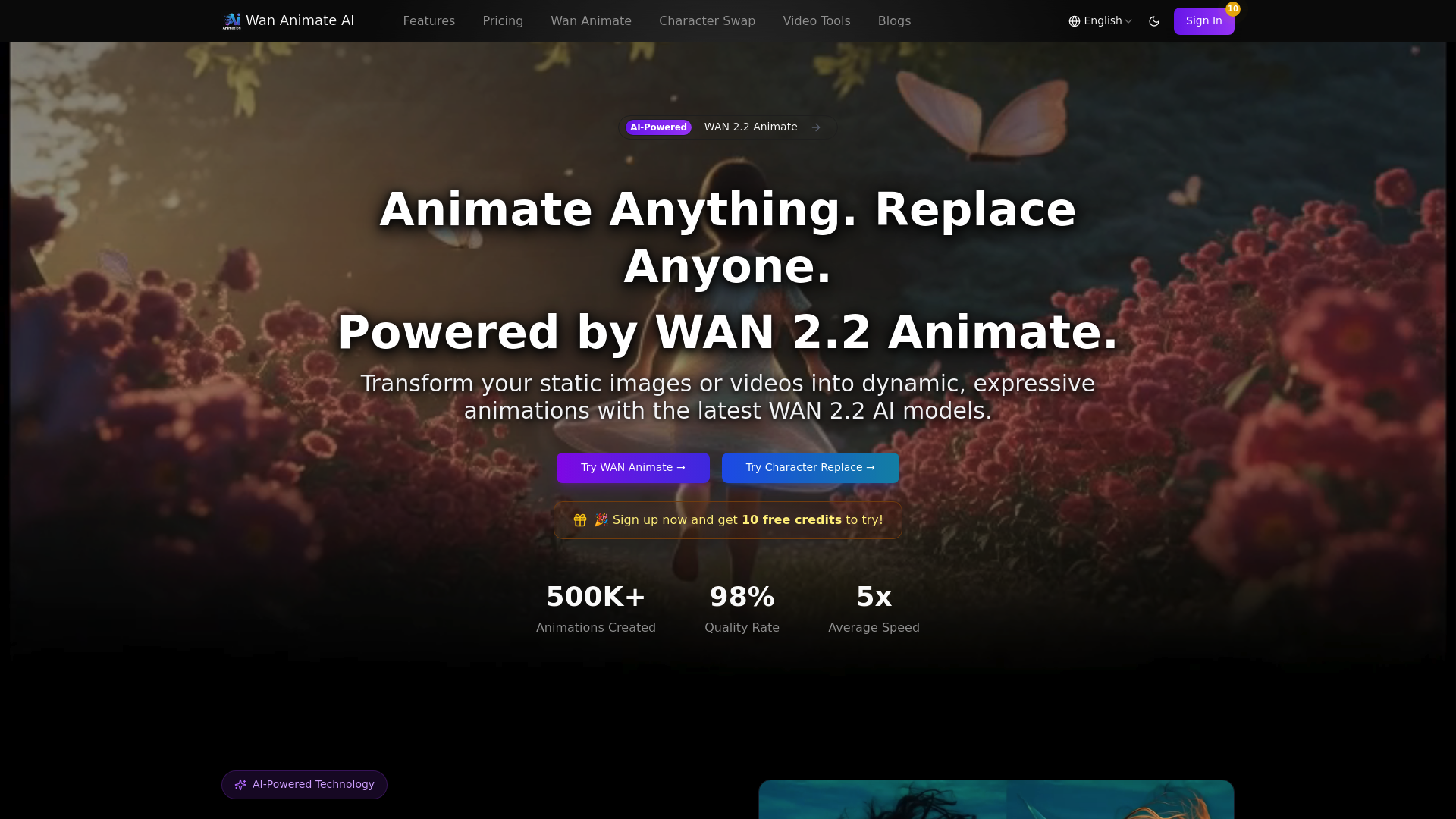
What is wan animate ai
Wan animate ai is a revolutionary AI-powered video generation tool designed to transform the way creators approach character animation and video editing. Built upon the advanced WAN 2.2 model, wan animate ai specializes in turning static images into dynamic, expressive animations and performing seamless character replacements in existing footage. Traditionally, character animation required extensive manual keyframing, motion capture suits, and hours of rendering. wan animate ai solves this problem by leveraging artificial intelligence to automate the complex process of motion analysis and transfer.
Whether you are a professional filmmaker, a social media content creator, or a digital marketer, wan animate ai offers a streamlined solution to bring visual concepts to life. By analyzing reference videos, wan animate ai can apply precise movements and facial expressions to your specific characters, maintaining high fidelity and realism. This tool makes high-quality animation accessible to everyone, removing technical barriers and allowing users to focus purely on creativity.
Core features of wan animate ai
The capabilities of wan animate ai go beyond simple video filters. It offers a suite of professional-grade tools designed for precision and creativity. Here are the core features that make wan animate ai stand out:
- Advanced Motion Transfer: The flagship feature of wan animate ai allows users to upload a reference video and a target character image. The AI analyzes the motion in the video and applies it to the static character, effectively making the character perform the actions from the reference.
- Precision Character Swapping: With wan animate ai, you can replace characters within a video scene. The technology ensures that lighting, shadows, and environmental interactions remain consistent, creating a photorealistic swap that looks natural.
- Face Replacement Technology: wan animate ai excels at detailed face swapping. It preserves the natural expressions, lip movements, and micro-expressions of the original performance while applying the new facial identity.
- Static Image to Video: Transform any static portrait or full-body image into a living video. wan animate ai generates realistic movement, breathing, and blinking to bring still images to life.
- High-Definition Output: Quality is paramount with wan animate ai. The platform supports HD video generation, ensuring that the final output is crisp, clear, and ready for professional use in various formats like MP4.
Use cases of wan animate ai
The versatility of wan animate ai makes it suitable for a wide range of industries and creative endeavors. Here is how different users are leveraging wan animate ai in their workflows:
- Social Media Content Creation: TikTok and Instagram creators use wan animate ai to participate in dance challenges using their unique avatars or anime characters. By simply uploading a viral dance video as a reference, wan animate ai can make a static character perform the exact same dance, creating engaging and viral-ready content.
- Digital Marketing and Advertising: Marketers utilize wan animate ai to create dynamic ads without hiring actors for every shoot. They can swap characters in existing ad footage to target different demographics or bring brand mascots to life for video campaigns, significantly reducing production costs.
- Animation and Game Design: Indie game developers and animators use wan animate ai to rapid-prototype character movements. Instead of manually animating a walk cycle, they can record themselves walking and use wan animate ai to transfer that motion to their game sprite or 3D model render, speeding up the production pipeline.
How to use wan animate ai
Getting started with wan animate ai is designed to be a simple, three-step process that requires no prior technical knowledge. The user interface is intuitive, ensuring a smooth experience from start to finish.
- Upload Reference Material: Begin your wan animate ai session by uploading the source material. For animation, this is your reference video containing the movement. For character swaps, this is the video containing the character you wish to replace.
- Upload Target Asset: Next, upload the image of the character you want to animate or insert. wan animate ai accepts various image formats including JPG and PNG.
- Process and Download: Click the generation button. The wan animate ai engine will analyze the motion patterns and lighting. In just a few minutes, your video will be ready. You can then preview the result and download the high-definition video directly to your device.
Advantages of wan animate ai
Why are creators switching to wan animate ai? The tool offers distinct advantages over traditional animation software and other AI tools.
- Unmatched Speed: Traditional animation can take days. wan animate ai typically generates videos in 1 to 3 minutes, making it roughly 5x faster than manual workflows.
- Photorealistic Quality: Powered by the WAN 2.2 model, wan animate ai achieves a 98% quality rate. It excels at preserving the physics of motion and the subtleties of facial expressions, avoiding the "uncanny valley" effect often seen in lesser tools.
- Ease of Use: You do not need to understand rigging, keyframing, or compositing. wan animate ai automates the technical heavy lifting, allowing beginners to produce professional results immediately.
- Cost-Effective Production: By reducing the need for actors, expensive motion capture equipment, and large animation teams, wan animate ai significantly lowers the cost of video production.
- Commercial Licensing: Users on paid plans receive commercial use licenses, meaning the assets created with wan animate ai can be used safely in for-profit projects.
Pricing structure of wan animate ai
wan animate ai offers flexible pricing options tailored to casual users, professionals, and heavy-duty studios. New users can also benefit from a trial offer.
- Free Trial: Sign up to receive 10 free credits to test the capabilities of wan animate ai without any financial commitment.
- Basic Plan: Priced at approximately $21.9/month (billed annually), this plan provides 500 credits. It is ideal for hobbyists getting started with wan animate ai.
- Pro Plan: The most popular tier, priced at roughly $36.9/month (billed annually). It includes 1000 credits, priority support, and is perfect for frequent creators using wan animate ai.
- Ultimate Plan: Designed for power users and agencies, this plan costs around $148.9/month (billed annually) and includes 4300 credits with the lowest cost-per-credit rate.
All paid plans for wan animate ai include commercial use licenses, faster processing, and HD video generation capabilities.
FAQs about wan animate ai
What is wan animate ai primarily used for? wan animate ai is primarily used for transferring motion from real-life videos to static characters, animating images, and swapping characters or faces in existing videos with high precision.
Is there a free version of wan animate ai? Yes, new users get 10 free credits upon registration to try wan animate ai. For continued use and commercial features, a subscription plan is recommended.
How long does it take for wan animate ai to generate a video? Processing speed is a key benefit. wan animate ai generally takes between 1 to 3 minutes to generate a video, depending on the complexity and length of the input.
Can I use videos created with wan animate ai for commercial purposes? Yes, if you subscribe to the Basic, Pro, or Ultimate plans, you are granted a license to use the content generated by wan animate ai for commercial projects.
Does wan animate ai require professional animation skills? No, wan animate ai is designed for everyone. The AI handles the complex motion transfer and lighting adjustments, so no technical animation skills are required to get professional results.
What formats does wan animate ai support? wan animate ai supports common image formats like PNG and JPG for inputs, and outputs high-quality MP4 videos suitable for editing or social media sharing.